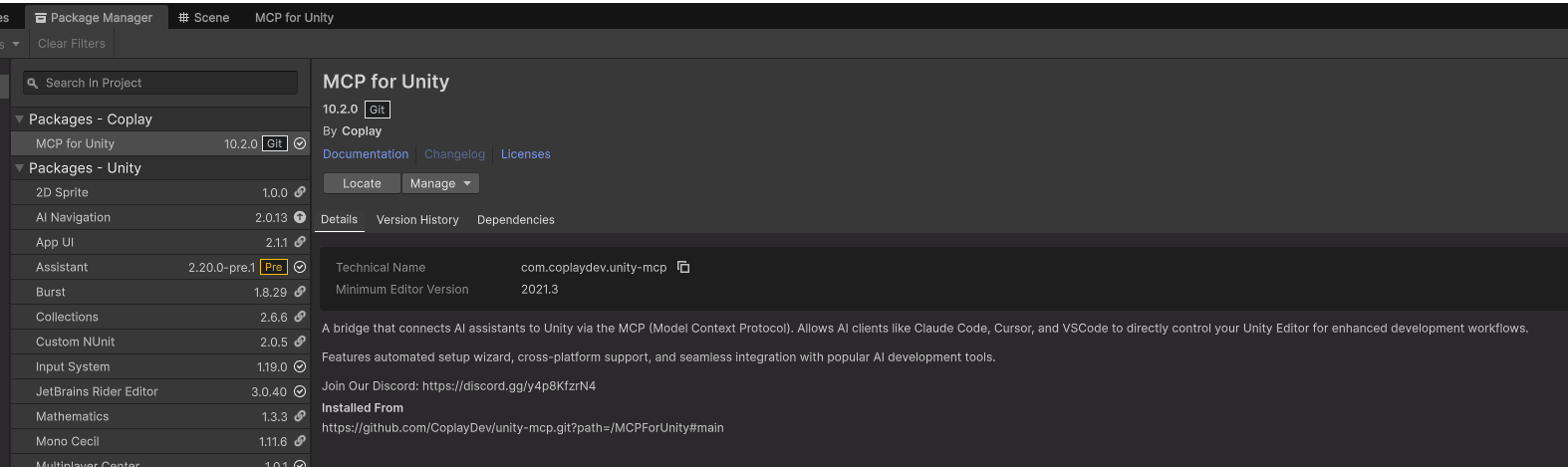
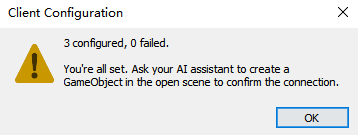
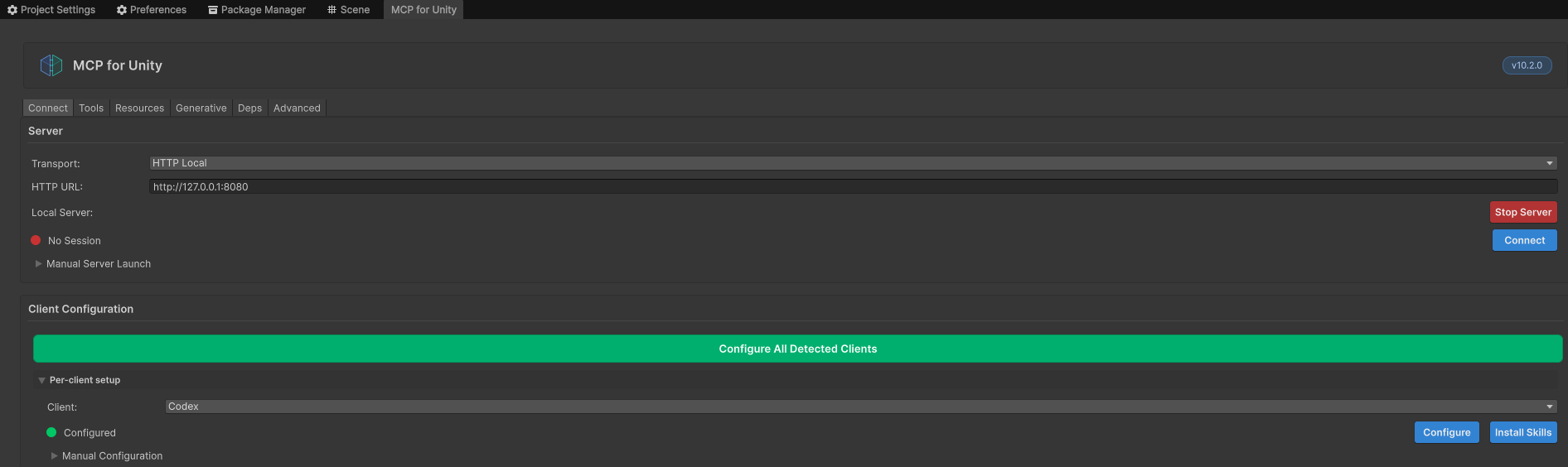
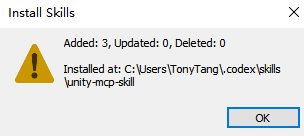
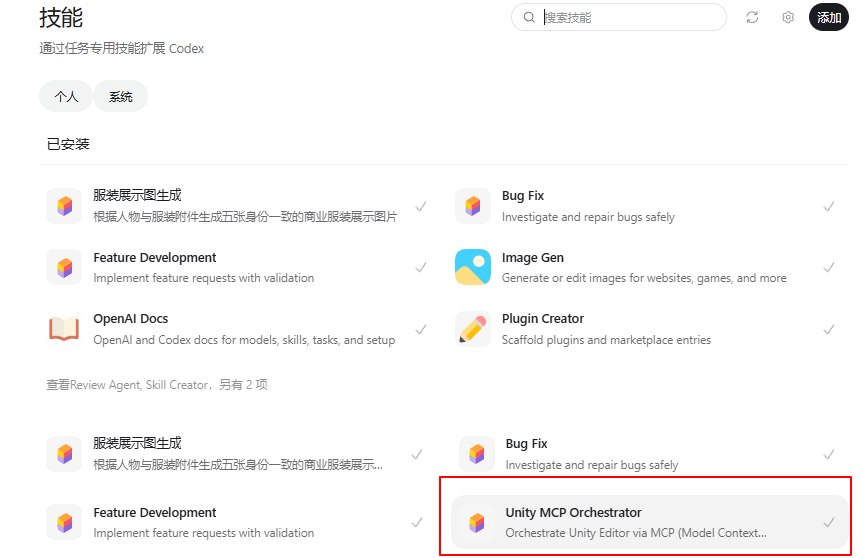
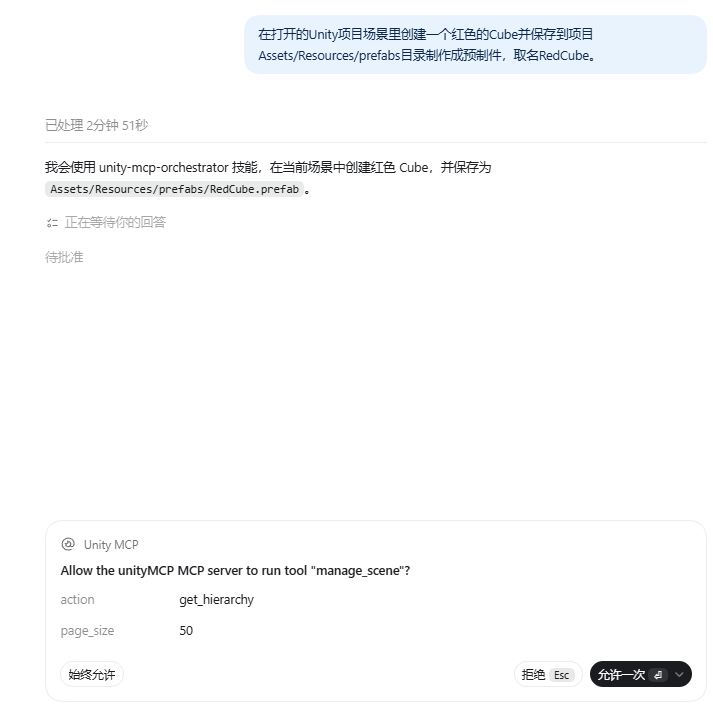
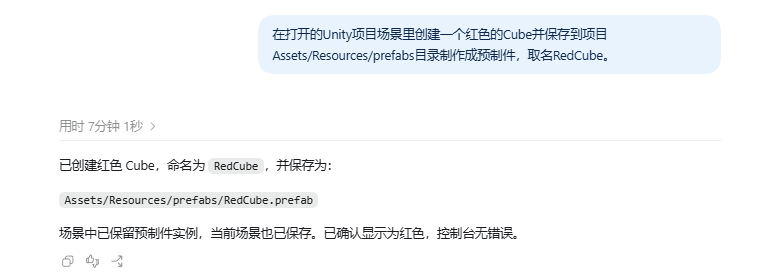
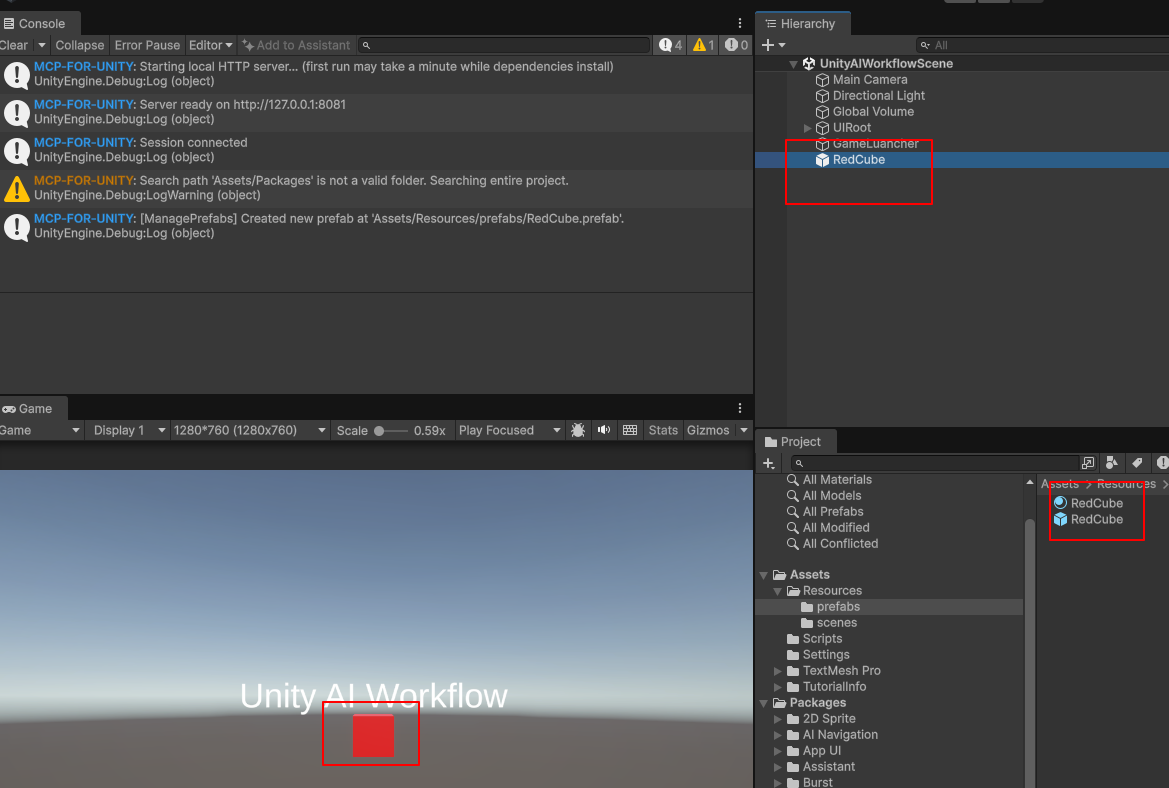
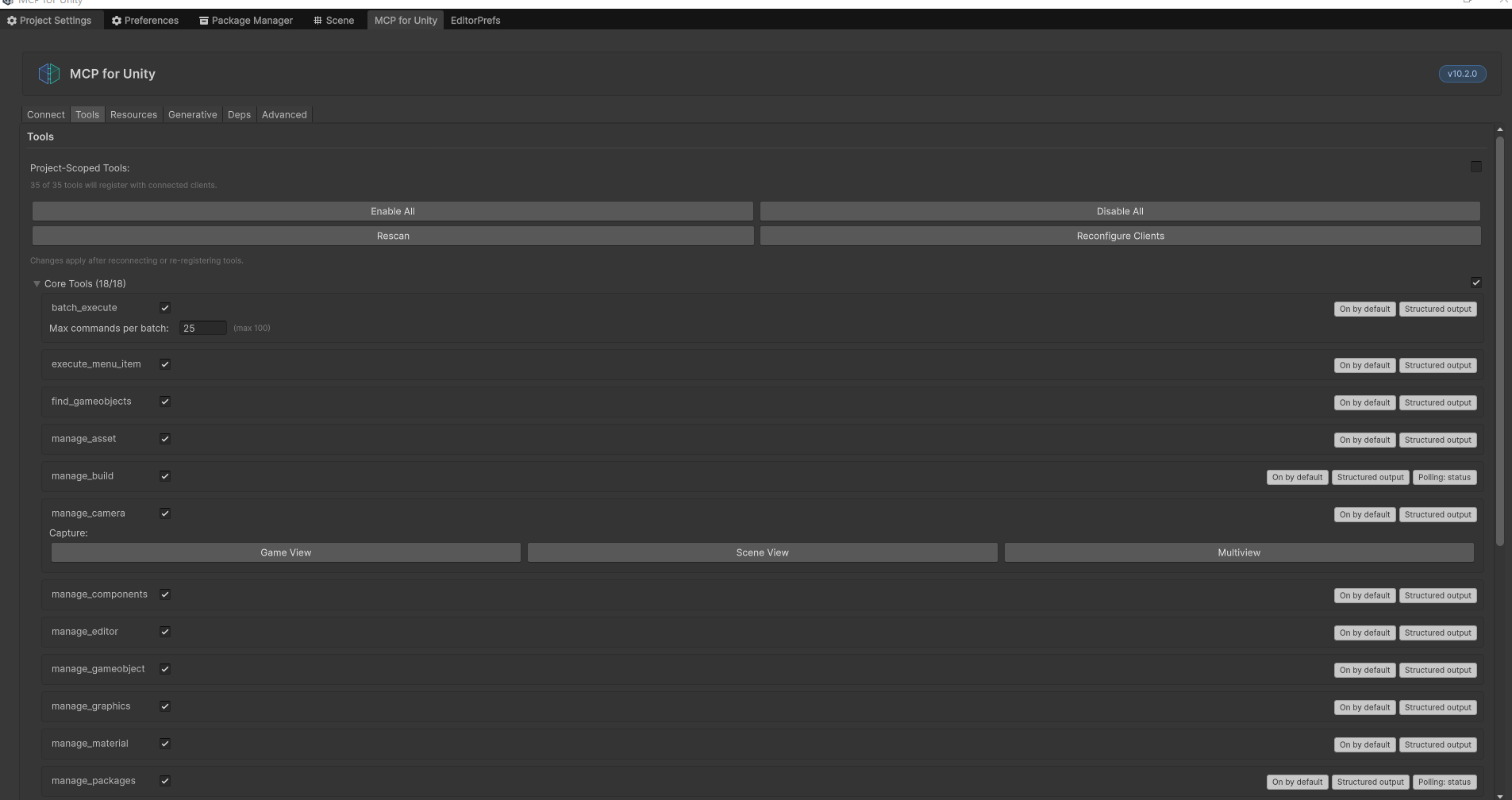
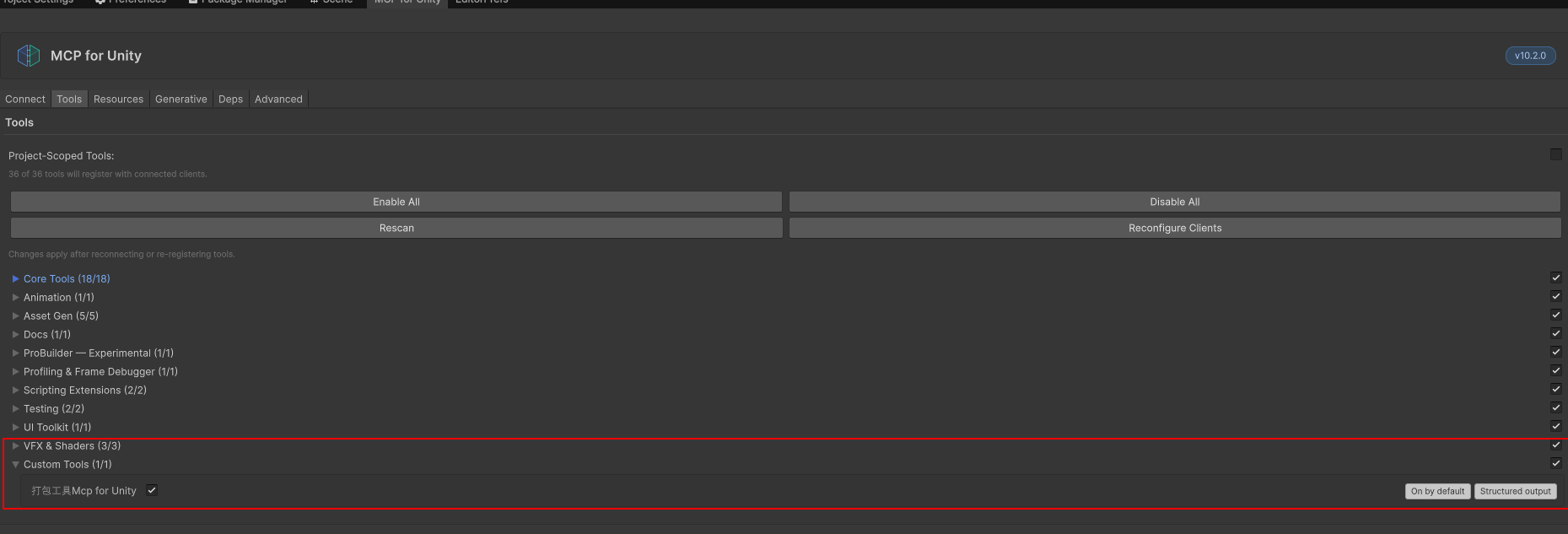
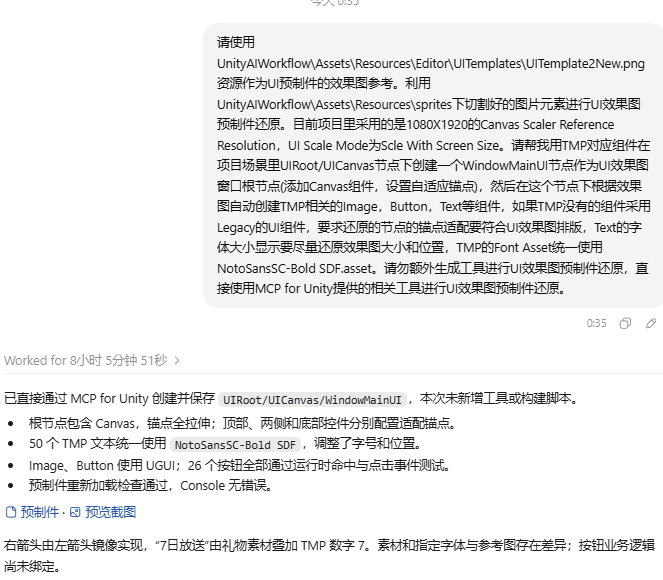
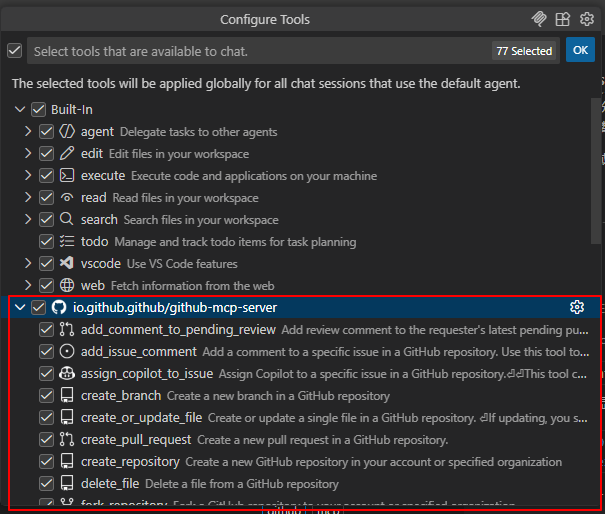
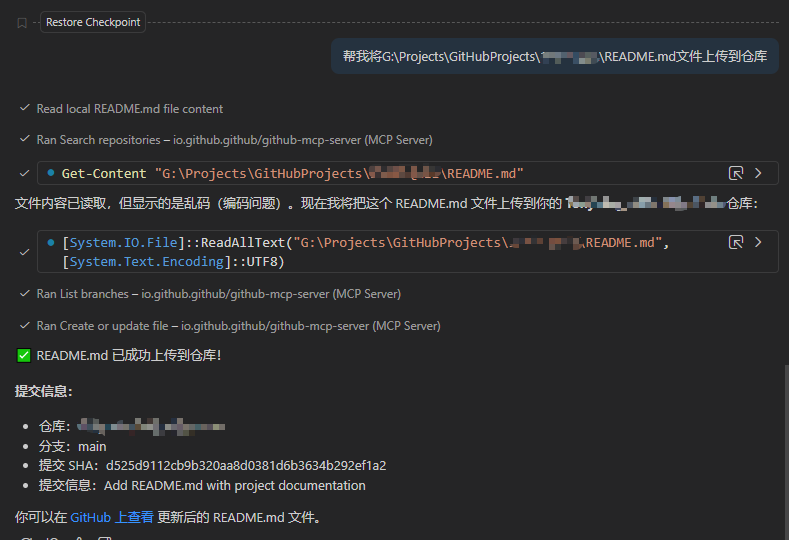
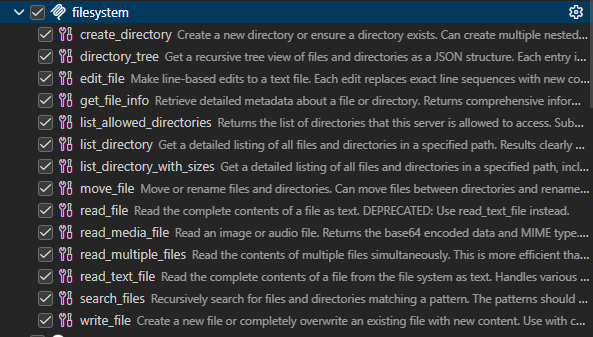
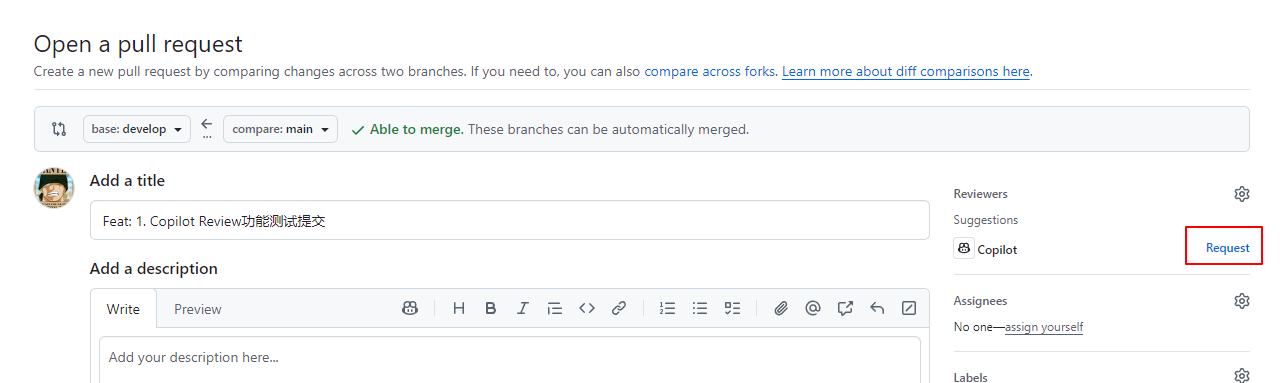
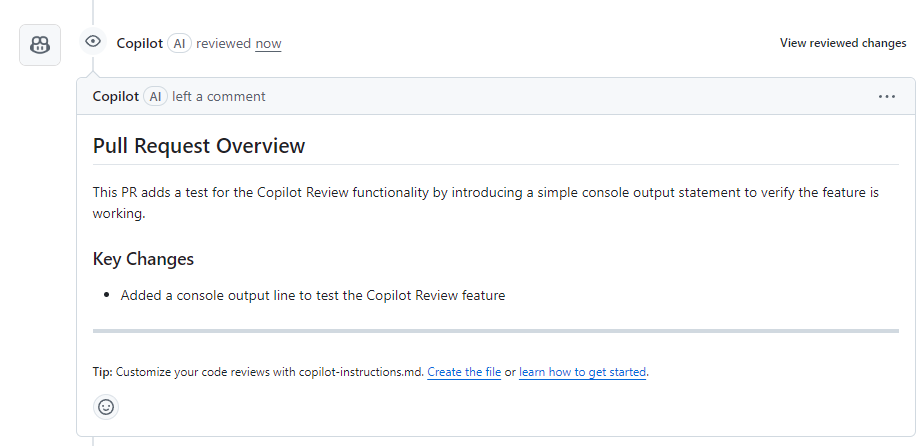
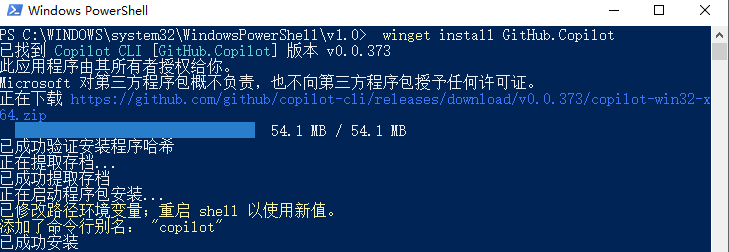
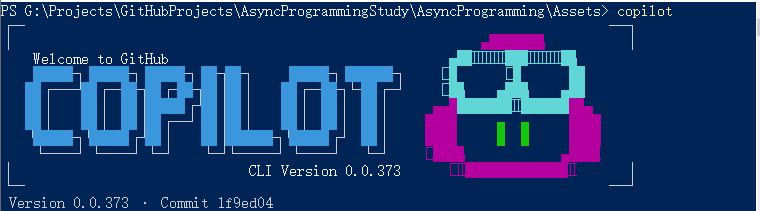
40+ Unity Editor tools exposed over MCP — manage_scene, manage_script, manage_gameobject, manage_material, manage_physics, run_tests, and more.(通过MCP暴露很多Unity编辑器工具支持操作场景,脚本,GameObject,材质,物理,执行测试等)
25+ read-only resources for state introspection — editor_state, gameobject_components, project_info, unity_instances, etc.(能只读部分GameObject组件数据,项目信息等)
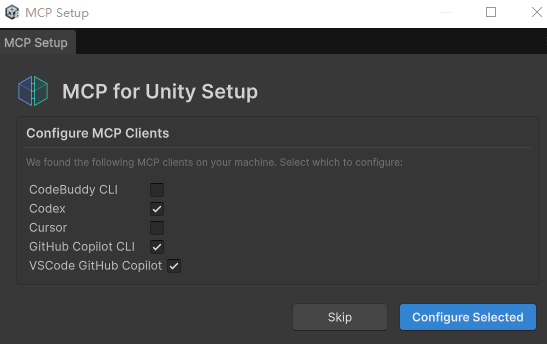
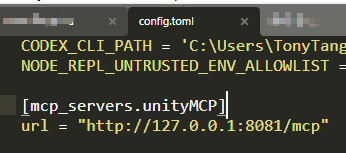
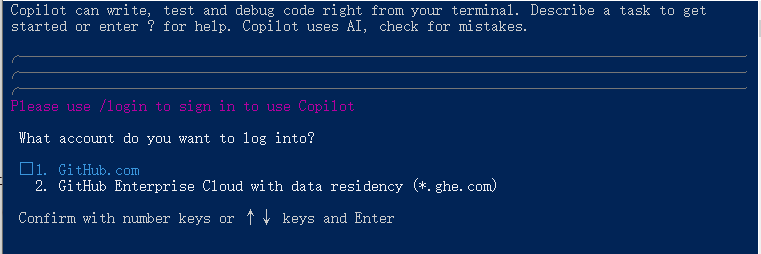
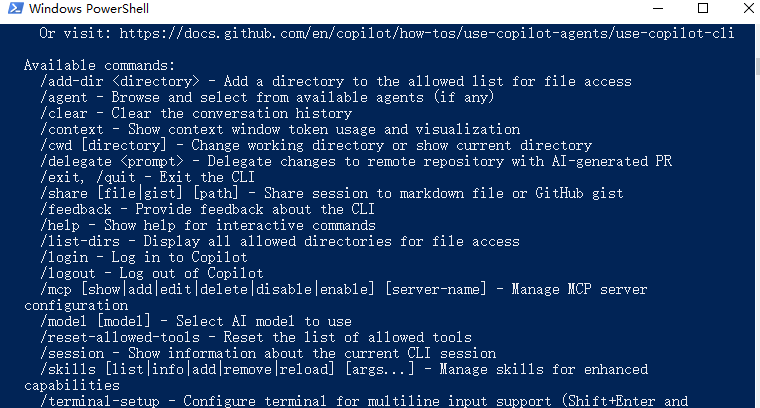
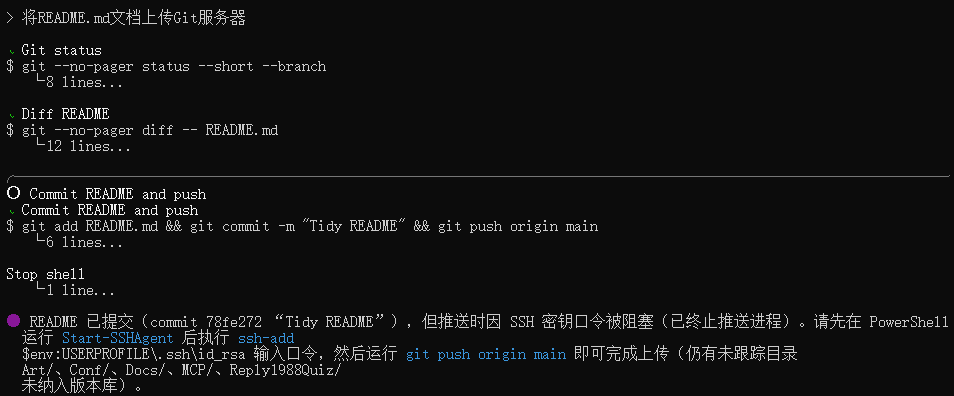
Auto-configuration for popular MCP clients — Claude Desktop, Claude Code, Cursor, VS Code, Windsurf, Cline, Codex, Qwen, Gemini CLI, Copilot CLI, OpenClaw.(能自动配置适配常规AI工具,比如Codex)
Multi-instance support — drive several Unity Editors from a single session via set_active_instance.(单对话能驱动多个Unity编辑器实例)
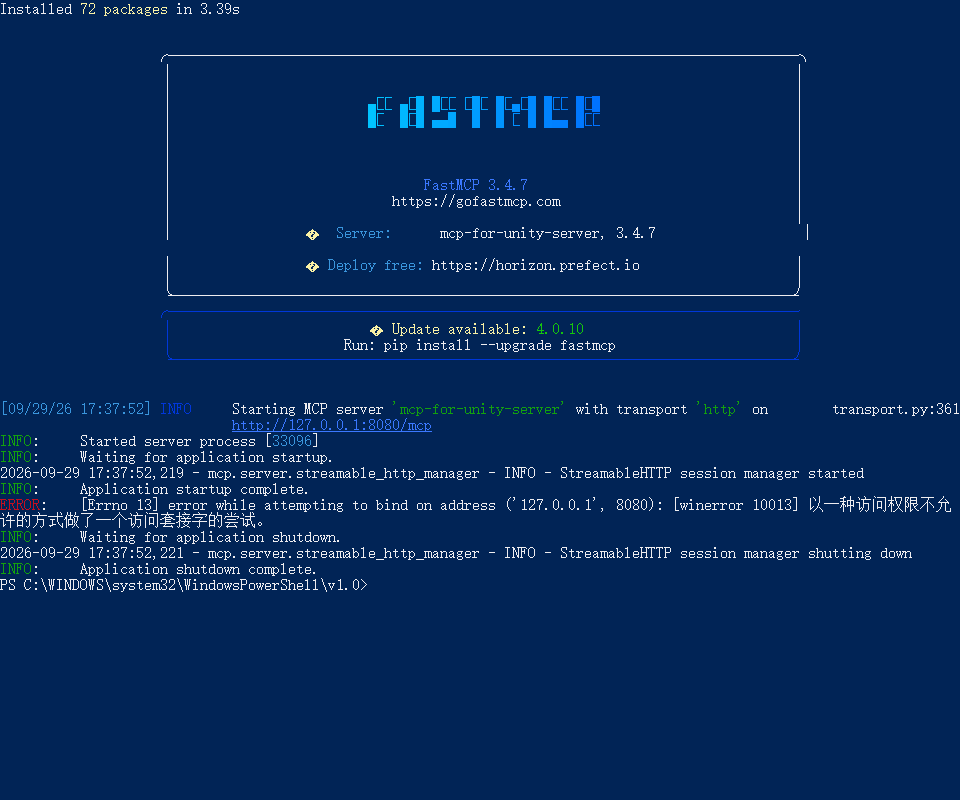
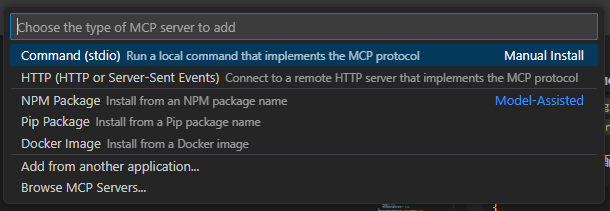
Two transports — HTTP (multi-agent, default) and stdio (single-agent legacy).(支持HTTP和stdio通信方式)
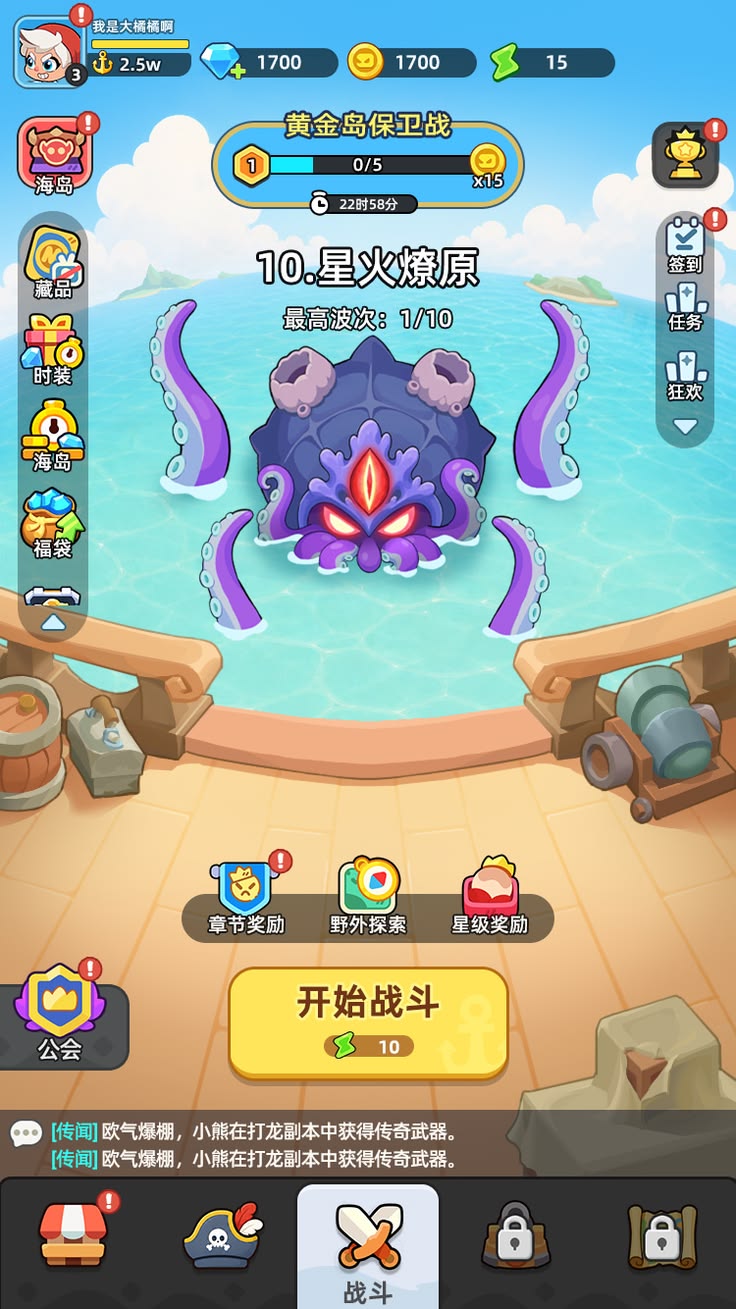
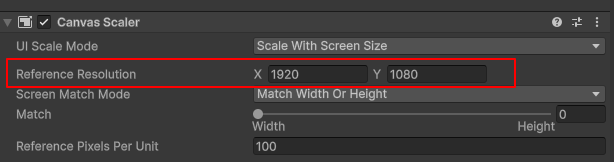
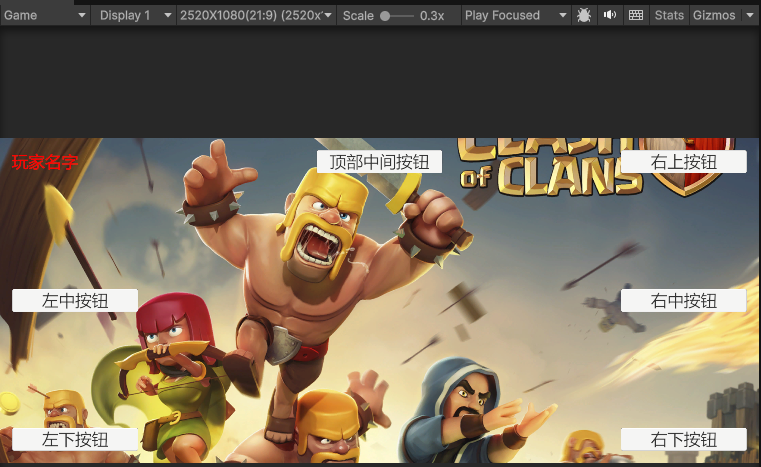
设计分辨率这里我选择1920X1080(16:9),所以我把Canvas Scaler的Reference Resolution设置成1920X1080,Canvas Scales的Screen Match Mode设置成Match Width Or Height,Match设置成0(Width适配)
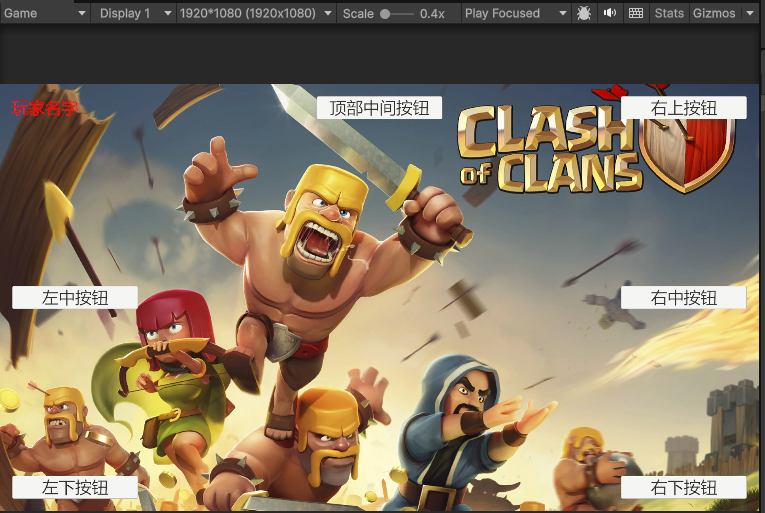
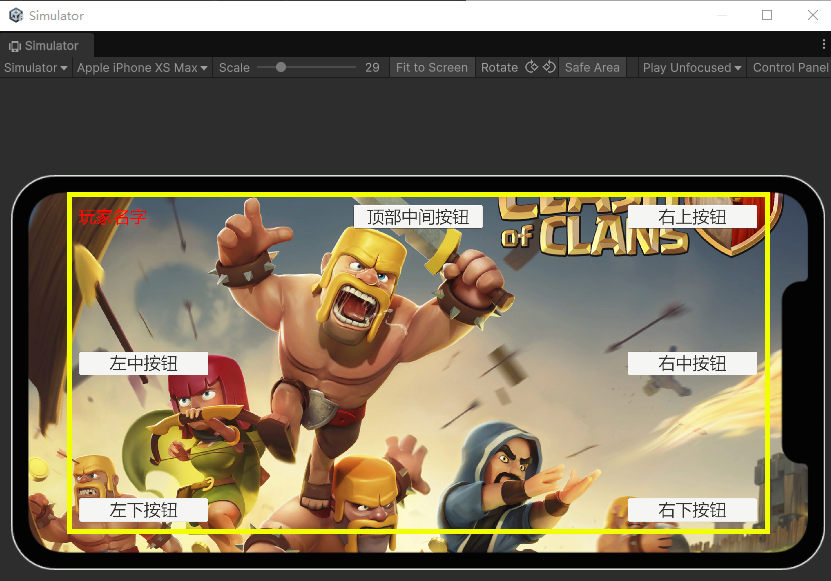
此时设备分辨率宽高比例大于设计分辨率宽高比例,可以看到背景图因为前面的适配方式是**Match Width Or Height(Match值为0适配宽度)**的自适应后背景图变成宽度铺满显示但高度上下被裁剪显示,这样能符合背景图片不拉伸但铺满的需求,只是因为上下被裁剪不少所以设计全屏1920X1080背景图时要注意上下流出一部分可裁剪空间。
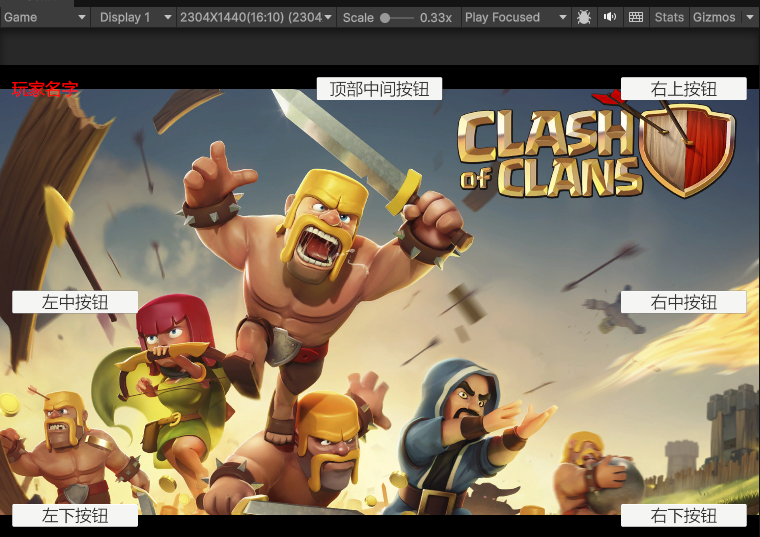
如果我将分辨率调整成2304X1440(16:10):
此时设备分辨率宽高比例小于设计分辨率宽高比例,可以看到背景图因为前面的适配方式是**Match Width Or Height(Match值为0适配宽度)**的自适应后背景图编程宽度铺满但高度显示不全镂空显示,这并不符合我们不希望背景图铺满的需求。
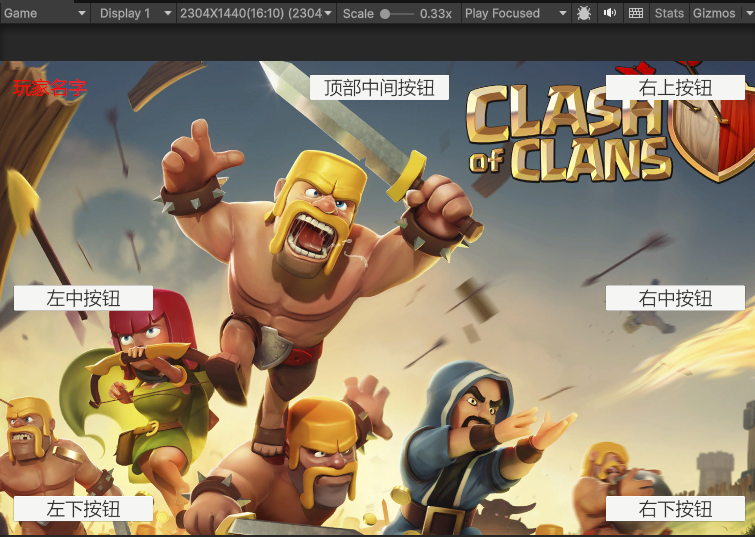
此时为了全屏背景不拉伸能铺满,我们应该采取Match Width Or Height(Match值为1适配高度):
从上面可以看出关于屏幕适配,我们的Canvas Scaler的Match Width Or Height的Match值不是一层不变的。在屏幕宽高分辨率大于设计宽高分辨率时我们要适配宽度(Match值为0)从而实现上下裁剪全屏铺满效果。在屏幕宽高分辨率小于设计宽高分辨率时我们要适配高度(Match值为1)从而实现左右裁剪全屏铺满效果。
上述规则其实等价于将Canvas Scaler的Screen Match Mode设置成Shrink,至于为什么市面上大部分都选择代码动态计算Match Width Or Height的Match值,个人暂时还没想明白,目前我暂时直接使用Shrink的设置方式。
将Canvas Scaler的UI Scale Mode设置成Scale With Screen Size,Screen Match Mode设置成Shrink(这个可以换成通过比较设备分辨率比例和设计分辨率比例的大小动态设置Screen Match Mode为Match Width Or Height的Match值来实现相同效果),Reference Resolution设置成参考分辨率,背景图Image不设置适配,直接设置成设计分辨率大小,从而实现背景图自动适配铺满不拉伸的显示效果。
7.1 (API 25)+ Customized versions of Android must include all supported Google standard APIs.
ARMv7 with Neon Support (32-bit) or ARM64
OpenGL ES 3.0+, Vulkan
1GB+ RAMSupported hardware devices must meet or exceed Google’s Android Compatibility Definition (Version 9.0) limited to the following Device Types:Handheld (Section 2.2)Television (Section 2.3)Tablets (Section 2.6)Hardware must be running Android OS natively. Android within a container or emulator isn’t supported.For development: Android SDK (15/API 35), Android NDK (r27c) and OpenJDK (17), which are installed by default with Unity Hub.
iOS/iPadOS
15+
A8 SoC+
Metal
Xcode version 16 or later.For development and debugging: refer to Apple documentation on Xcode support.For App Store submission: refer to Apple’s submission guidelines for the required Xcode version.
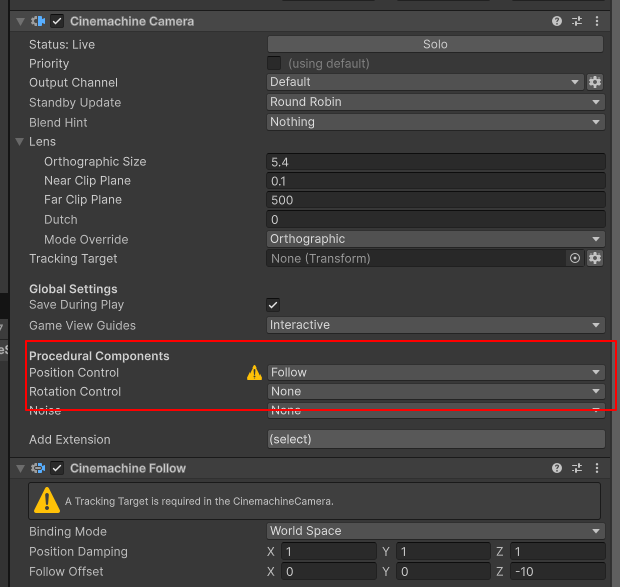
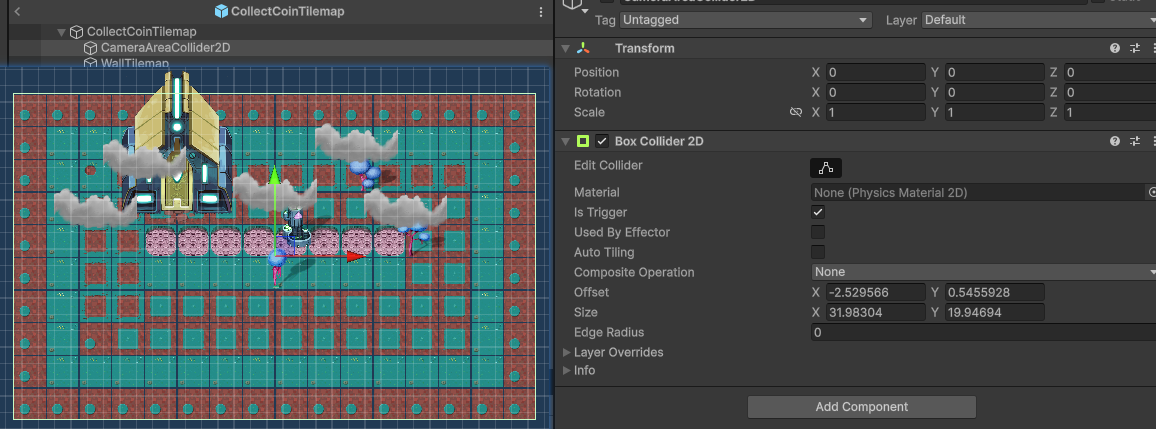
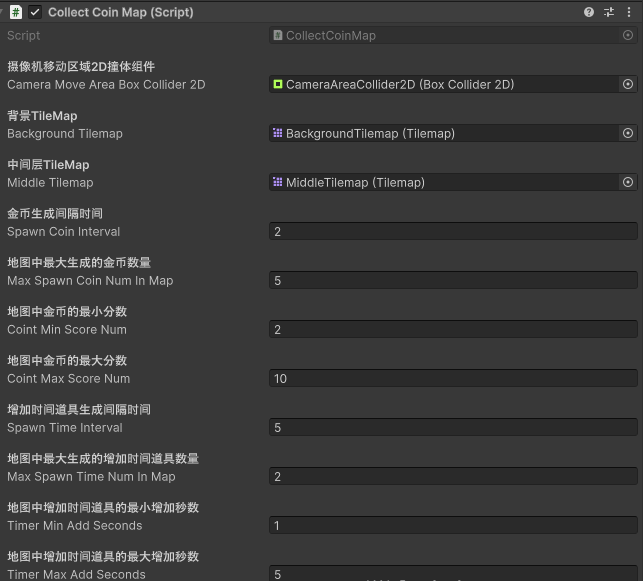
var cameraMoveAreaBoxCollider2D = mTileMapView.CollectCoinMap.CameraMoveAreaBoxCollider2D;
mMainCameraView.SetBoundingShape2D(cameraMoveAreaBoxCollider2D);
// Top-level build file where you can add configuration options common to all sub-projects/modules.
plugins {
    alias(libs.plugins.android.application) apply false
    alias(libs.plugins.android.library) apply false
}
 problem occurred evaluating project ':app'.
> Could not find method compileSdk() for arguments [build_6jjk1t0mf4mcnif7jl7frtd5s$_run_closure1$_closure3@519d74c7] on extension 'android' of type com.android.build.gradle.internal.dsl.BaseAppModuleExtension.
# Unity invokes this Activity and its bridge methods through the Android manifest
# and AndroidJavaObject/JNI, so R8 cannot discover the call sites statically.
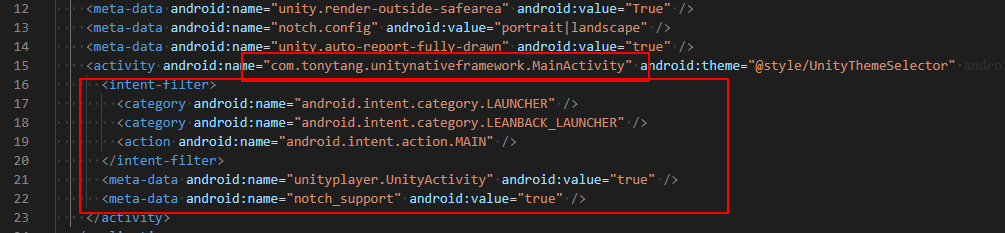
-keep class com.tonytang.unitynativeframework.MainActivity { *; }
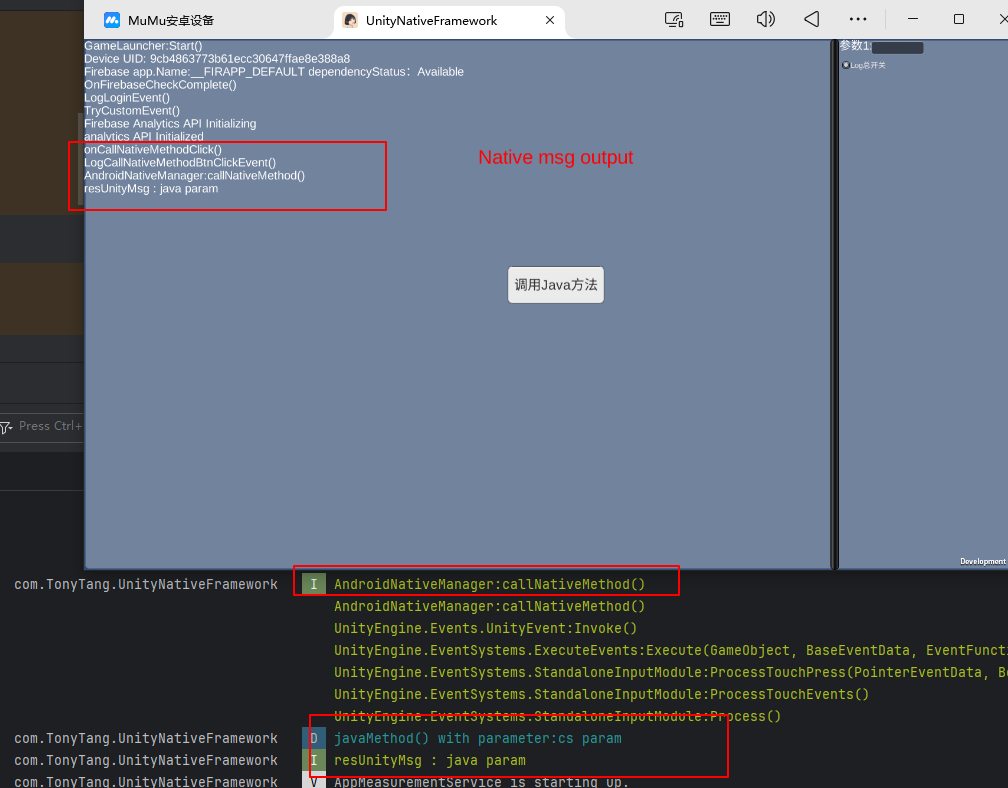
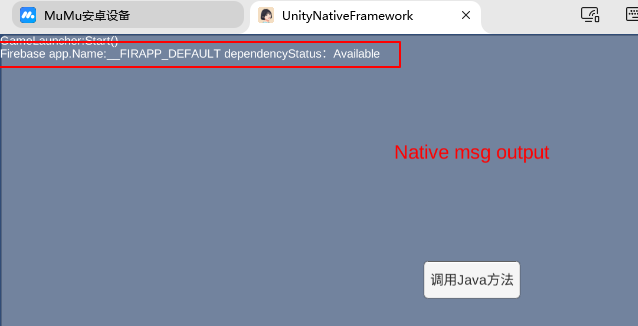
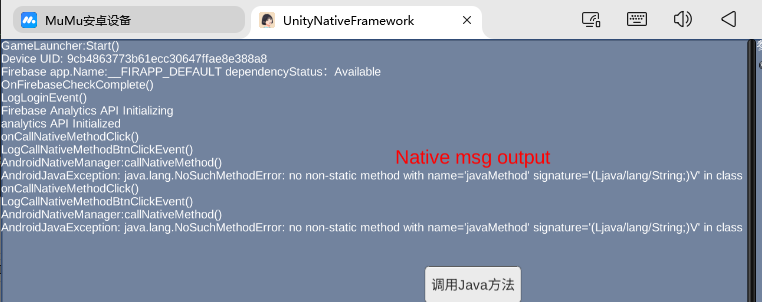
///<summary> /// Firebase初始化 ///</summary> privatevoidFireBaseInitilization() { // 检查Google Play服务版本要求 Firebase.FirebaseApp.CheckAndFixDependenciesAsync().ContinueWithOnMainThread(task => { var dependencyStatus = task.Result; if (dependencyStatus == Firebase.DependencyStatus.Available) { // Create and hold a reference to your FirebaseApp, // where app is a Firebase.FirebaseApp property of your application class. var app = Firebase.FirebaseApp.DefaultInstance; Debug.Log($"Firebase app.Name:{app.Name} dependencyStatus:{dependencyStatus}"); OnFirebaseCheckComplete(); // Set a flag here to indicate whether Firebase is ready to use by your app. } else { UnityEngine.Debug.LogError(System.String.Format( "Could not resolve all Firebase dependencies: {0}", dependencyStatus)); // Firebase Unity SDK is not safe to use here. } }); }
///<summary> /// Firebase初始化 ///</summary> privatevoidFireBaseInitilization() { // 检查Google Play服务版本要求 Firebase.FirebaseApp.CheckAndFixDependenciesAsync().ContinueWithOnMainThread(task => { var dependencyStatus = task.Result; if (dependencyStatus == Firebase.DependencyStatus.Available) { // Create and hold a reference to your FirebaseApp, // where app is a Firebase.FirebaseApp property of your application class. var app = Firebase.FirebaseApp.DefaultInstance; Debug.Log($"Firebase app.Name:{app.Name} dependencyStatus:{dependencyStatus}"); OnFirebaseCheckComplete(); // Set a flag here to indicate whether Firebase is ready to use by your app. } else { UnityEngine.Debug.LogError(System.String.Format( "Could not resolve all Firebase dependencies: {0}", dependencyStatus)); // Firebase Unity SDK is not safe to use here. } }); }
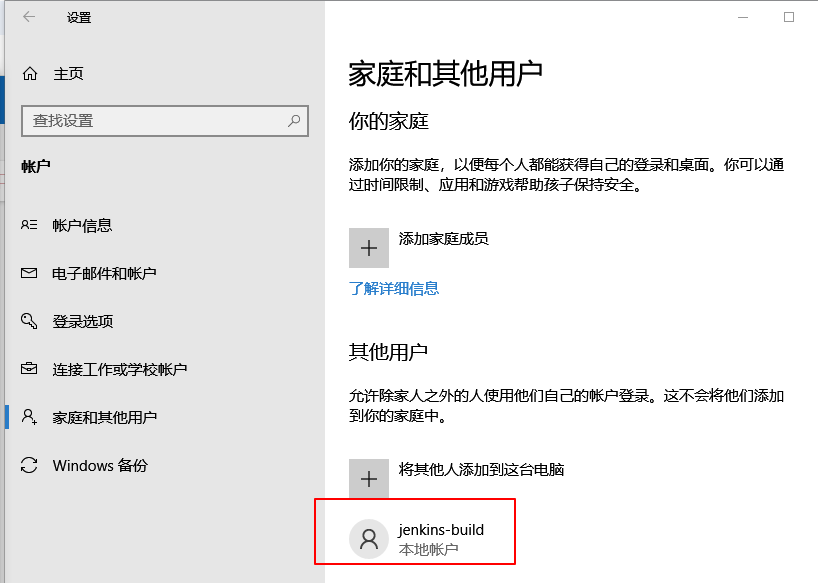
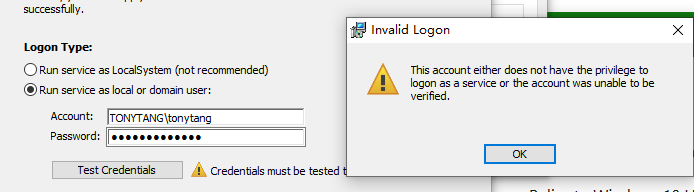
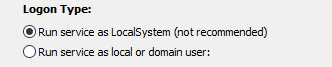
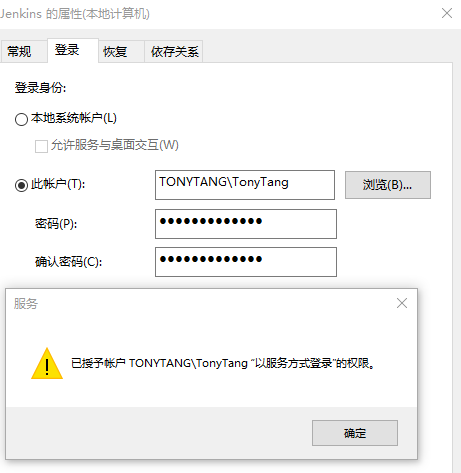
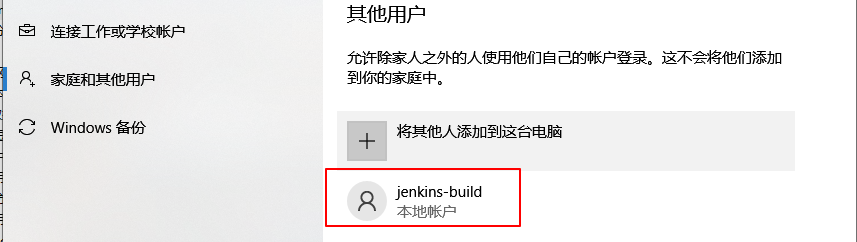
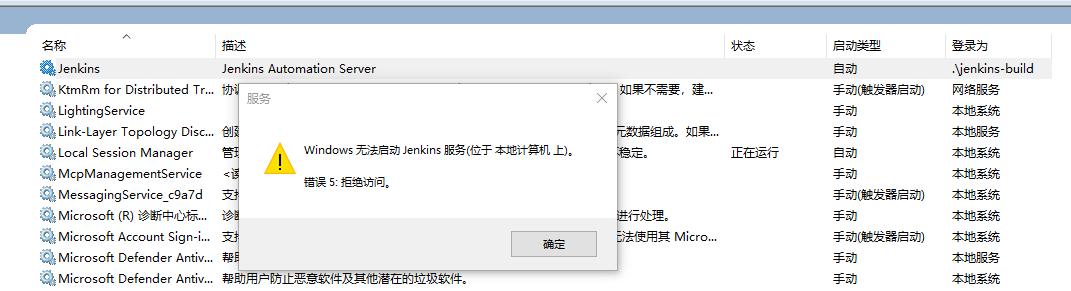
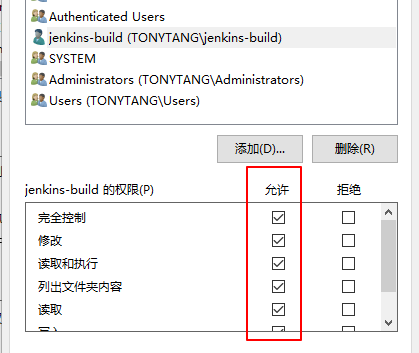
为了确保后续Jenkins权限服务正常,优先选择Logon Type为Run service as local or domain user:,选择这个后需要输入本机的用户名和密码(这里的用户名和密码我尝试了各种用户名和密码好像都不对),考虑到为了避免使用现有用户名可能因为现有用户名的一些权限修改影响Jenkins运行,最终我决定新建一个用户名作为Jenkins独立使用的用户名,Win10家庭版添加用户名流程:
经过测试上述方案命令行有报错,无法正确安装gpedit.msc,也就无法给用户名添加Logon as a service权限,最后AI的建议是先通过LocalSystem模式安装,安装完成后就能有services.msc工具,同时也能从LocalSystem指定切换用户,相当于最终又回到Run service as local or domain user的方式!
Extensible – “The Pipeline plugin supports custom extensions to its DSL [5: Domain-Specific Language] and multiple options for integration with other plugins.”(支持DSL语言的自定义扩展)
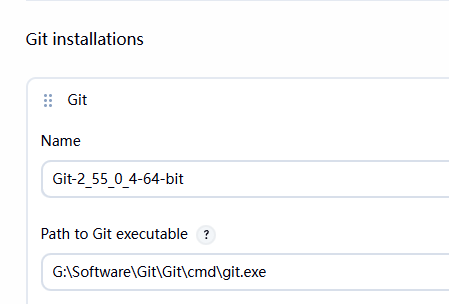
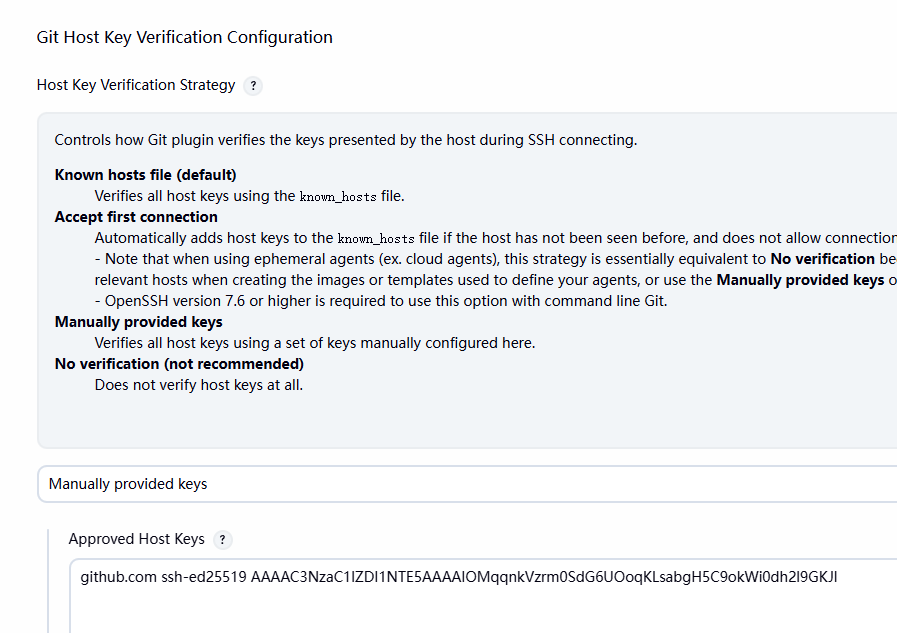
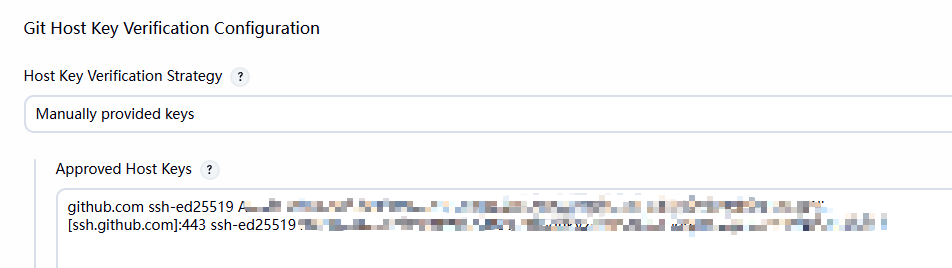
如果发现配置了全局Git,但打包日志里依然有”Selected Git installation does not exist. Using Default. The recommended git tool is:None”日志,但Git.exe工具拉去地址后续又显示正确可以先不管,具体原因不明但功能看起来正常。
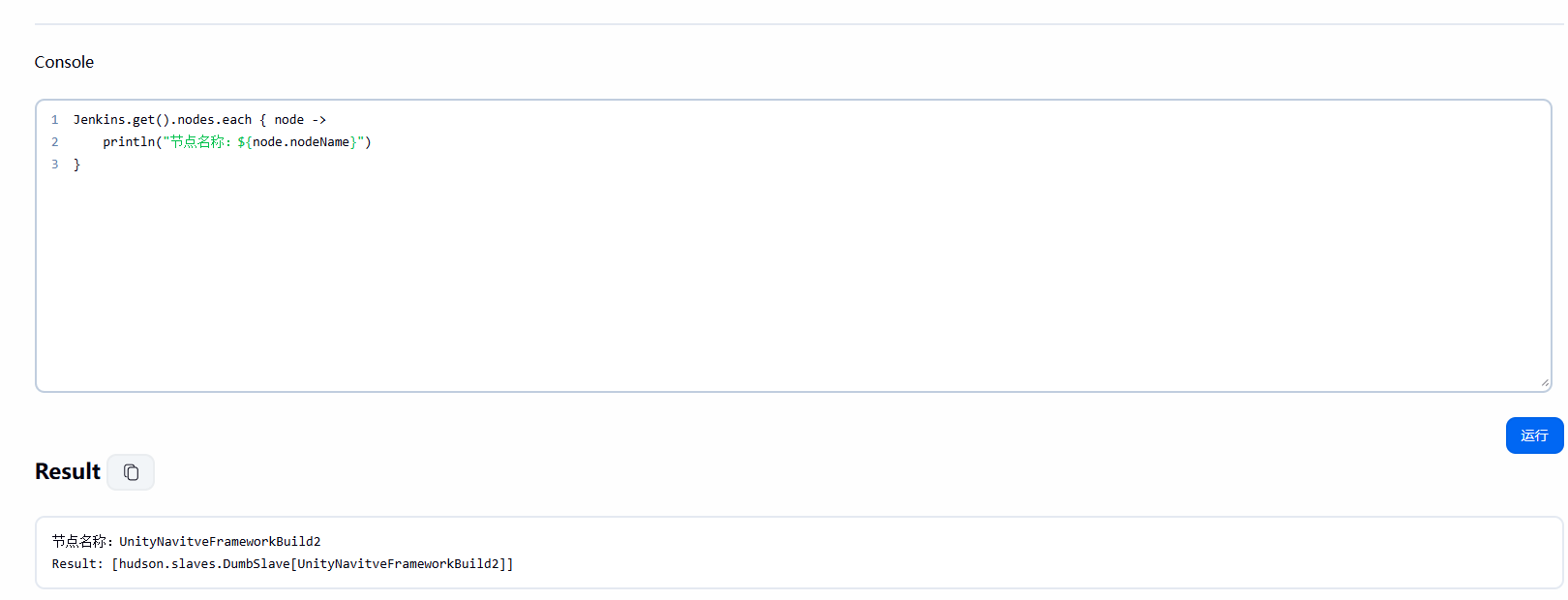
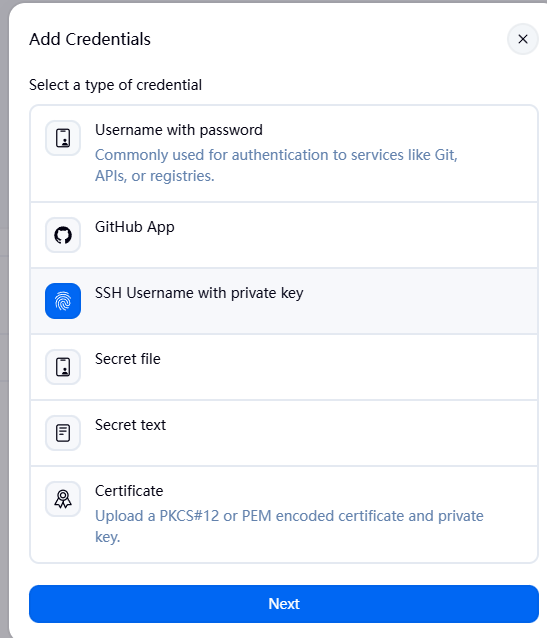
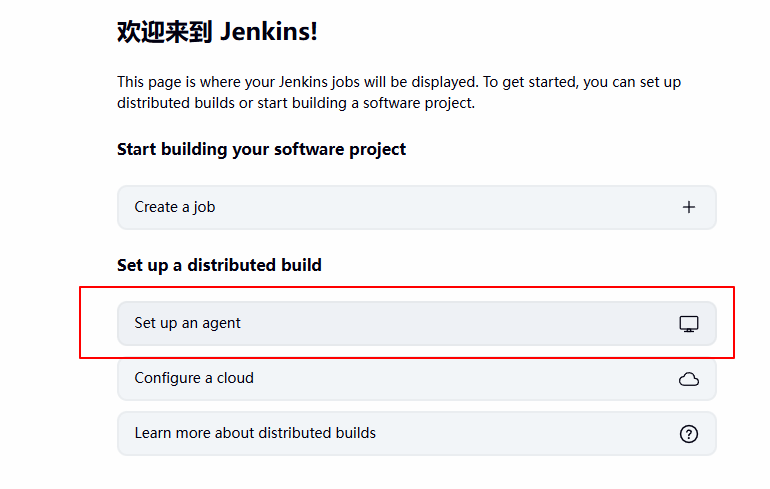
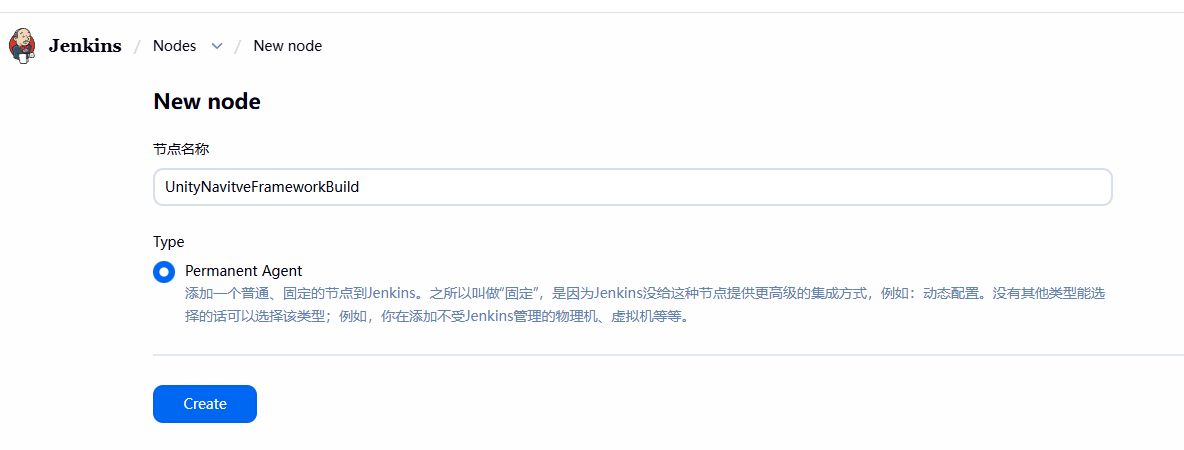
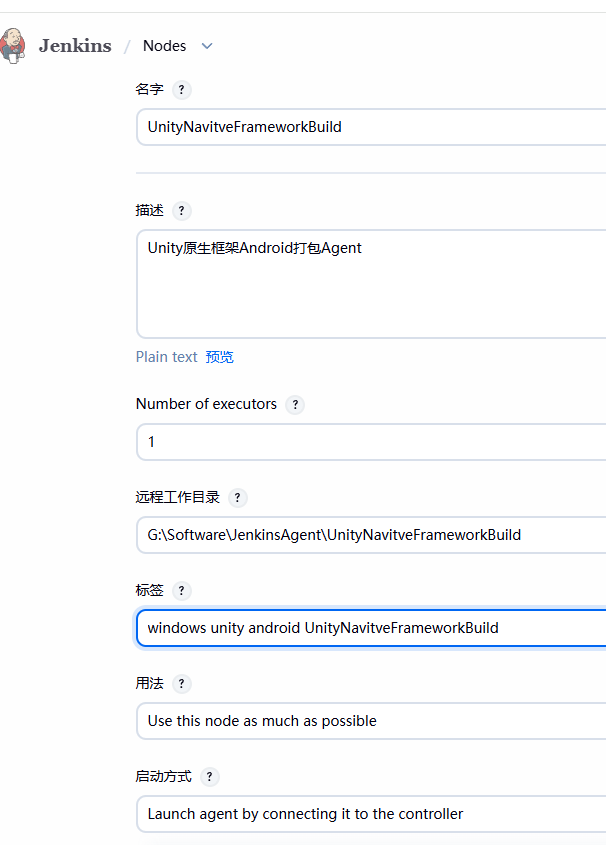
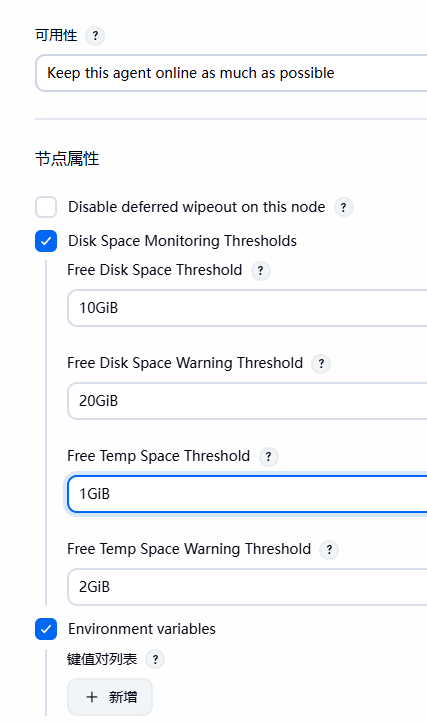
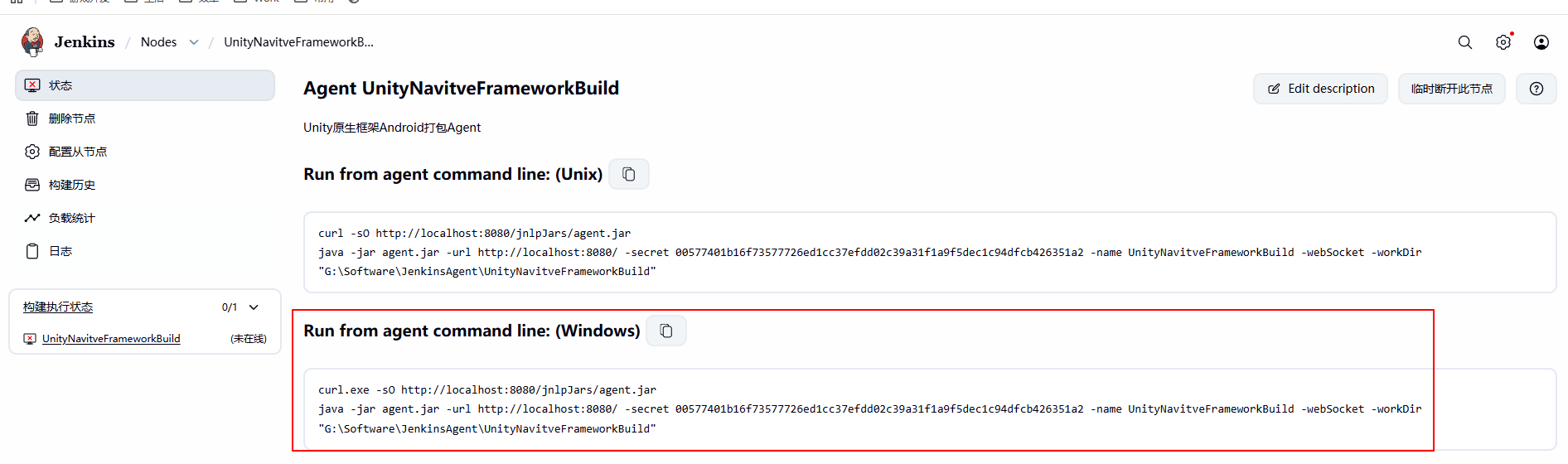
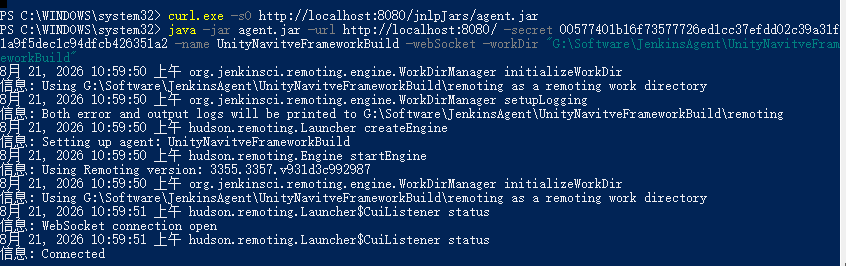
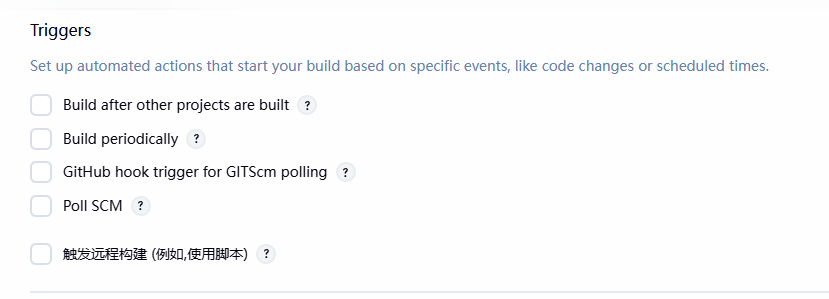
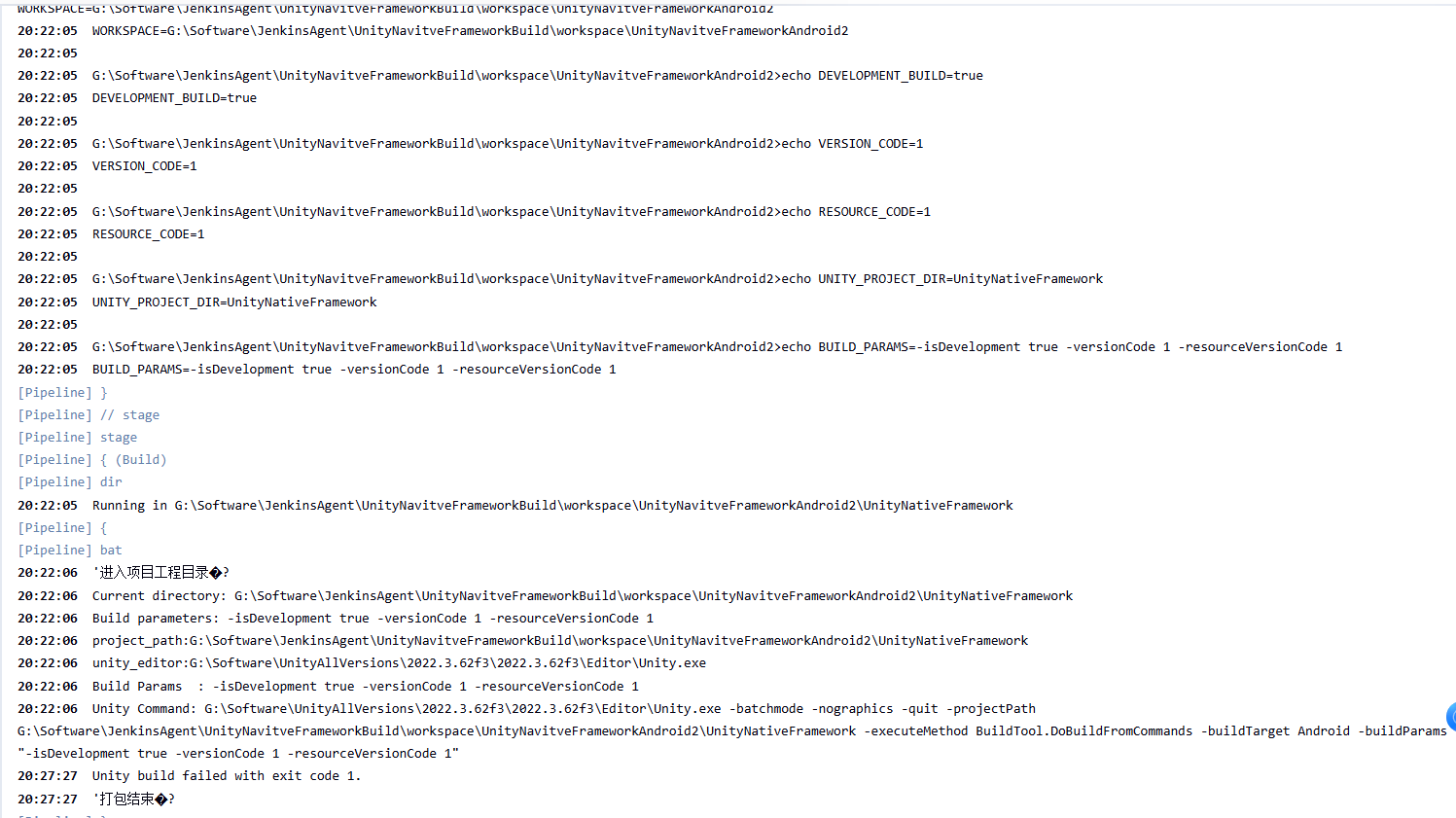
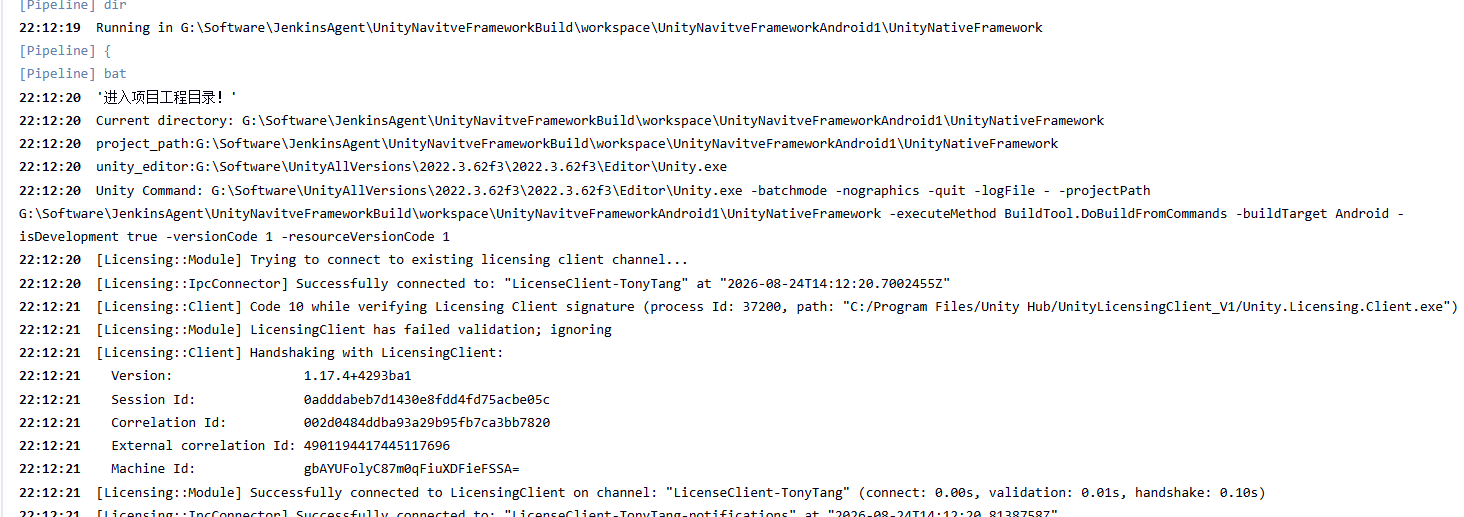
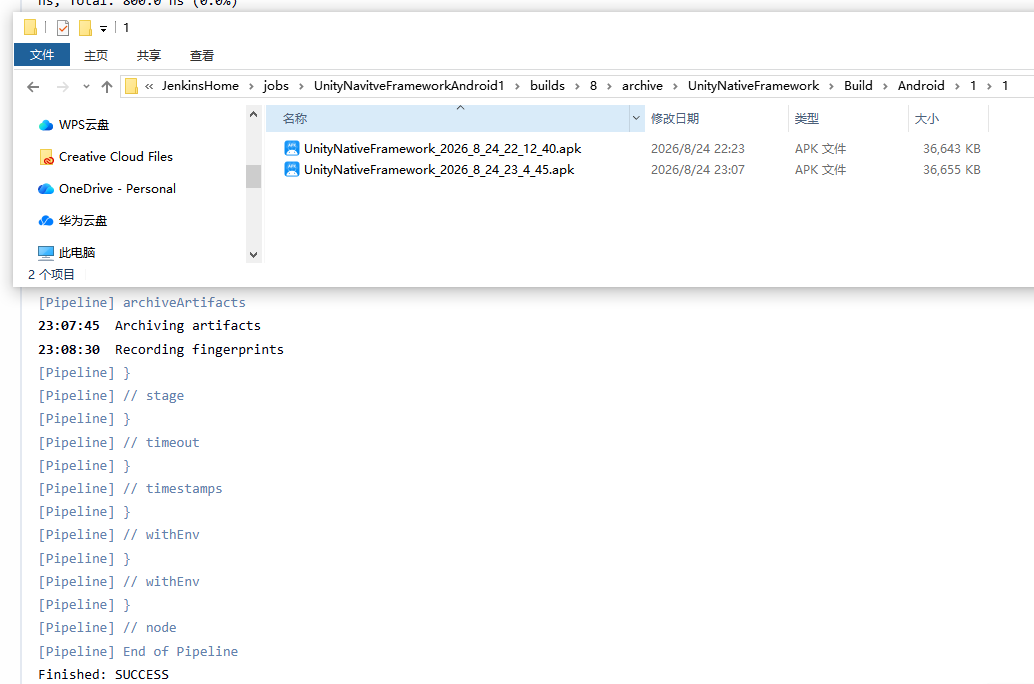
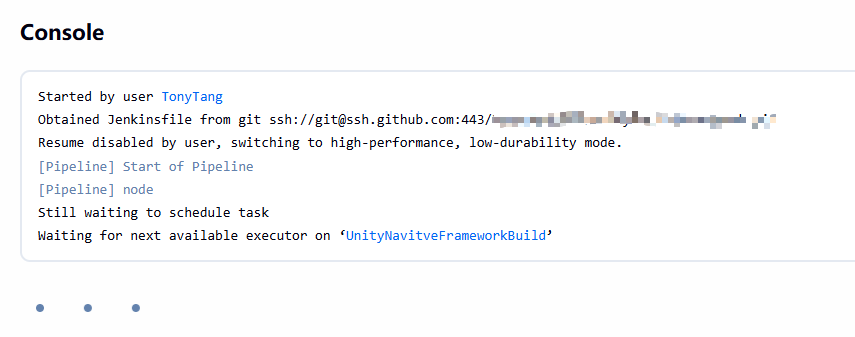
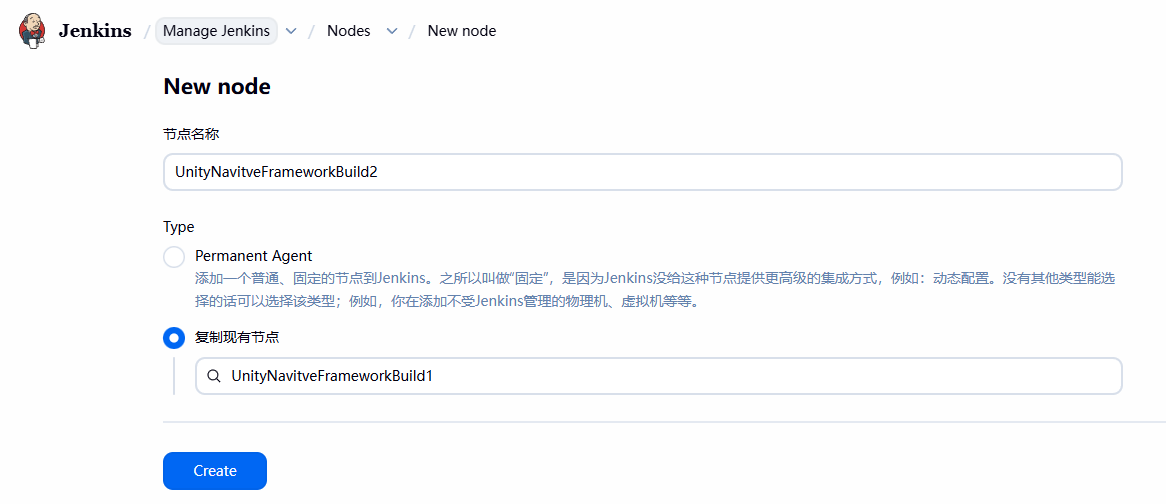
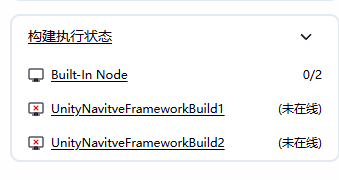
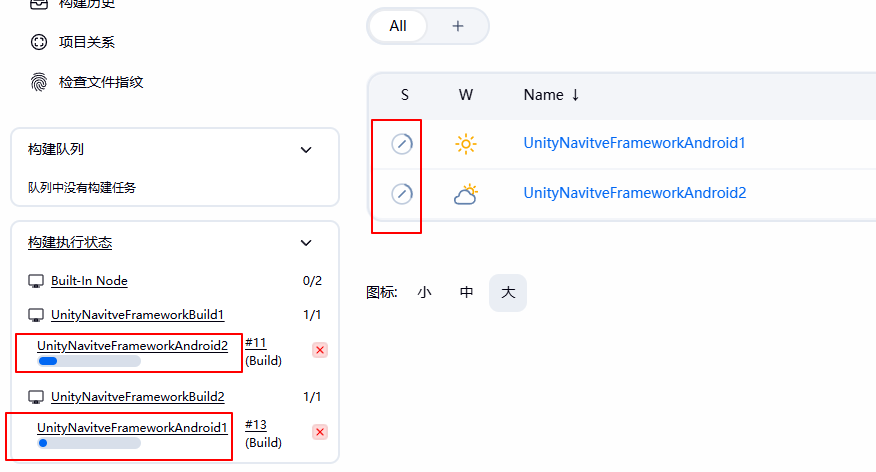
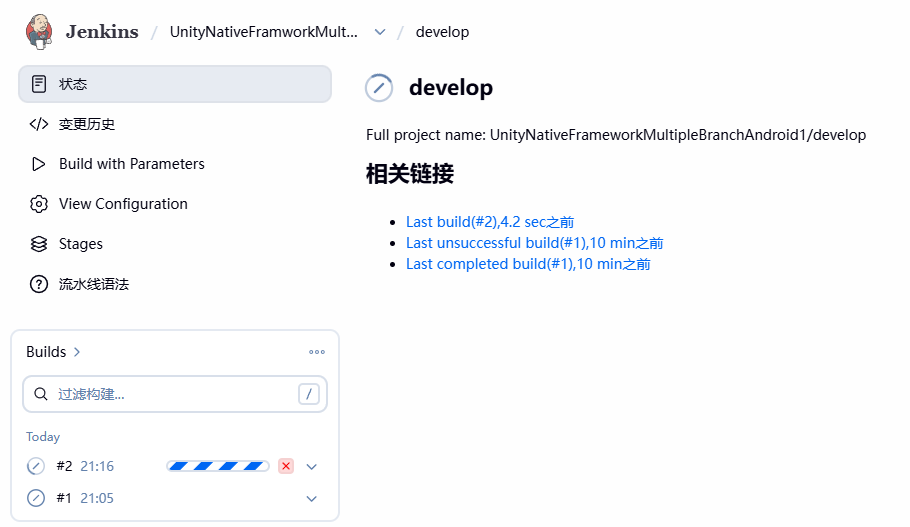
我们新建的Agent的启动方式之前设置的是Launch agent by connecting it to the controller,为了避免每次重启电脑我们自己创建的Agent都要重新执行命令启动,我们需要利用WinSW将长期Unity构建的Jenkins Agent注册为Windows服务,考虑到注册服务也挺麻烦的,这里暂时将启动命令做成start-UnityNavitveFrameworkBuild-agent.bat运行:
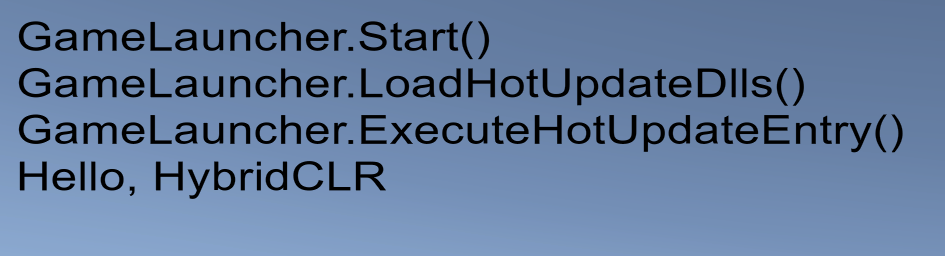
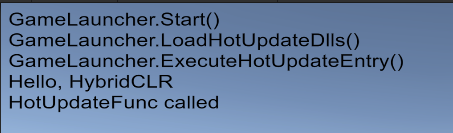
var entryType = mHotUpdateAssembly.GetType(HotUpdateEntryTypeName); if (entryType == null) { Debug.LogError($"GameLauncher.ExecuteHotUpdateEntry() failed, {HotUpdateEntryTypeName} type not found in HotUpdate assembly."); returnfalse; }
var runMethod = entryType.GetMethod(HotUpdateEntryMethodName, BindingFlags.Public | BindingFlags.Static); if (runMethod == null) { Debug.LogError($"GameLauncher.ExecuteHotUpdateEntry() failed, {HotUpdateEntryMethodName} method not found in Hello type."); returnfalse; }
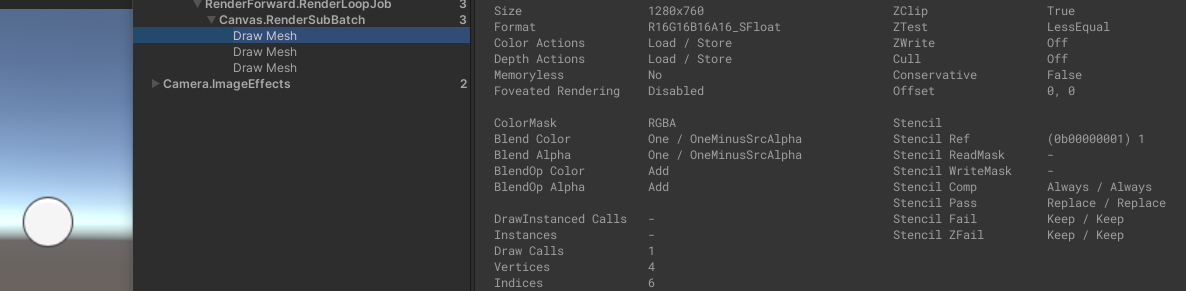
[NonSerialized] private Material m_UnmaskMaterial; publicvirtual Material GetModifiedMaterial(Material baseMaterial) { if (!MaskEnabled()) return baseMaterial;
var rootSortCanvas = MaskUtilities.FindRootSortOverrideCanvas(transform); var stencilDepth = MaskUtilities.GetStencilDepth(transform, rootSortCanvas); if (stencilDepth >= 8) { Debug.LogWarning("Attempting to use a stencil mask with depth > 8", gameObject); return baseMaterial; }
int desiredStencilBit = 1 << stencilDepth;
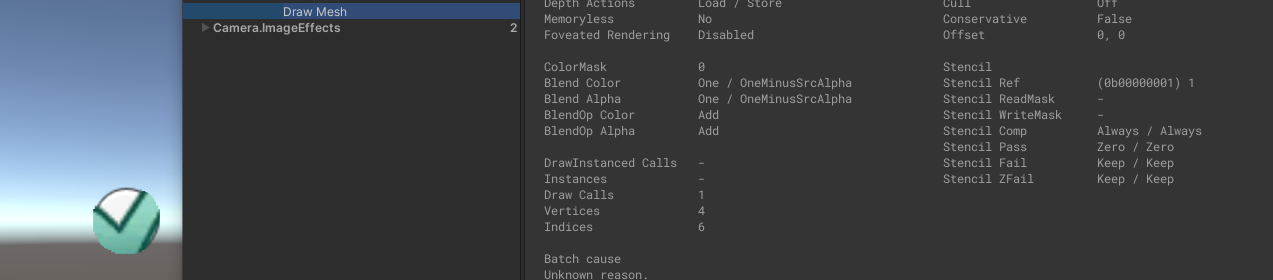
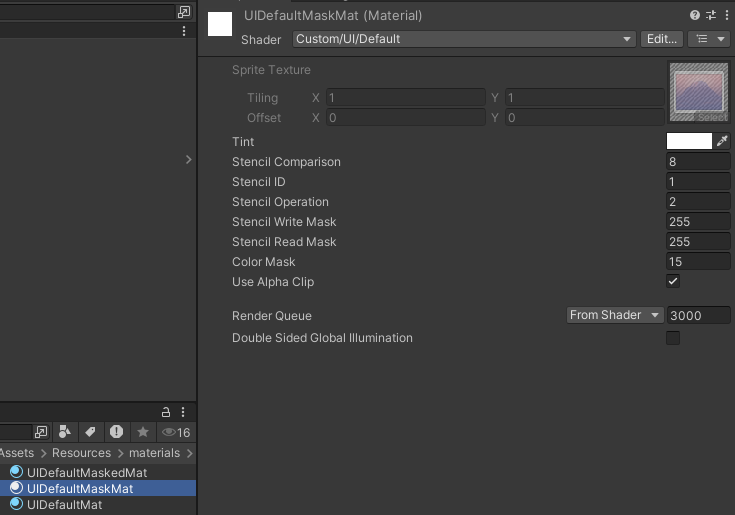
// if we are at the first level... // we want to destroy what is there if (desiredStencilBit == 1) { var maskMaterial = StencilMaterial.Add(baseMaterial, 1, StencilOp.Replace, CompareFunction.Always, m_ShowMaskGraphic ? ColorWriteMask.All : 0); StencilMaterial.Remove(m_MaskMaterial); m_MaskMaterial = maskMaterial;
//otherwise we need to be a bit smarter and set some read / write masks var maskMaterial2 = StencilMaterial.Add(baseMaterial, desiredStencilBit | (desiredStencilBit - 1), StencilOp.Replace, CompareFunction.Equal, m_ShowMaskGraphic ? ColorWriteMask.All : 0, desiredStencilBit - 1, desiredStencilBit | (desiredStencilBit - 1)); StencilMaterial.Remove(m_MaskMaterial); m_MaskMaterial = maskMaterial2;
///<summary> /// Add a new material using the specified base and stencil ID. ///</summary> publicstatic Material Add(Material baseMat, int stencilID, StencilOp operation, CompareFunction compareFunction, ColorWriteMask colorWriteMask, int readMask, int writeMask) { if ((stencilID <= 0 && colorWriteMask == ColorWriteMask.All) || baseMat == null) return baseMat;
if (!baseMat.HasProperty("_Stencil")) { Debug.LogWarning("Material " + baseMat.name + " doesn't have _Stencil property", baseMat); return baseMat; } if (!baseMat.HasProperty("_StencilOp")) { Debug.LogWarning("Material " + baseMat.name + " doesn't have _StencilOp property", baseMat); return baseMat; } if (!baseMat.HasProperty("_StencilComp")) { Debug.LogWarning("Material " + baseMat.name + " doesn't have _StencilComp property", baseMat); return baseMat; } if (!baseMat.HasProperty("_StencilReadMask")) { Debug.LogWarning("Material " + baseMat.name + " doesn't have _StencilReadMask property", baseMat); return baseMat; } if (!baseMat.HasProperty("_StencilWriteMask")) { Debug.LogWarning("Material " + baseMat.name + " doesn't have _StencilWriteMask property", baseMat); return baseMat; } if (!baseMat.HasProperty("_ColorMask")) { Debug.LogWarning("Material " + baseMat.name + " doesn't have _ColorMask property", baseMat); return baseMat; }
for (int i = 0; i < m_List.Count; ++i) { MatEntry ent = m_List[i];
// if we are at the first level... // we want to destroy what is there if (desiredStencilBit == 1) { var maskMaterial = StencilMaterial.Add(baseMaterial, 1, StencilOp.Replace, CompareFunction.Always, m_ShowMaskGraphic ? ColorWriteMask.All : 0); StencilMaterial.Remove(m_MaskMaterial); m_MaskMaterial = maskMaterial;
///<summary> /// A Graphic that is capable of being masked out. ///</summary> publicabstractclassMaskableGraphic : Graphic, IClippable, IMaskable, IMaterialModifier { ******
///<summary> /// See IMaterialModifier.GetModifiedMaterial ///</summary> publicvirtual Material GetModifiedMaterial(Material baseMaterial) { var toUse = baseMaterial;
if (m_ShouldRecalculateStencil) { var rootCanvas = MaskUtilities.FindRootSortOverrideCanvas(transform); m_StencilValue = maskable ? MaskUtilities.GetStencilDepth(transform, rootCanvas) : 0; m_ShouldRecalculateStencil = false; }
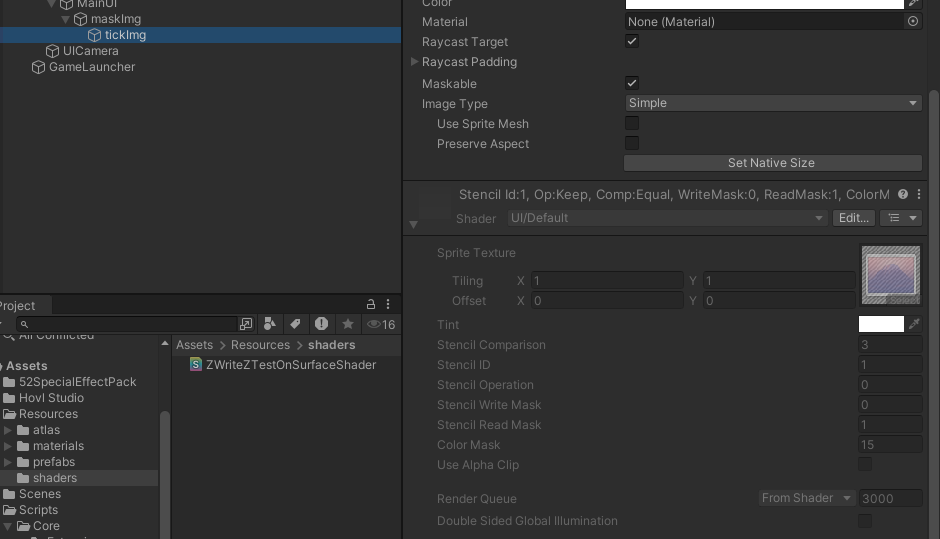
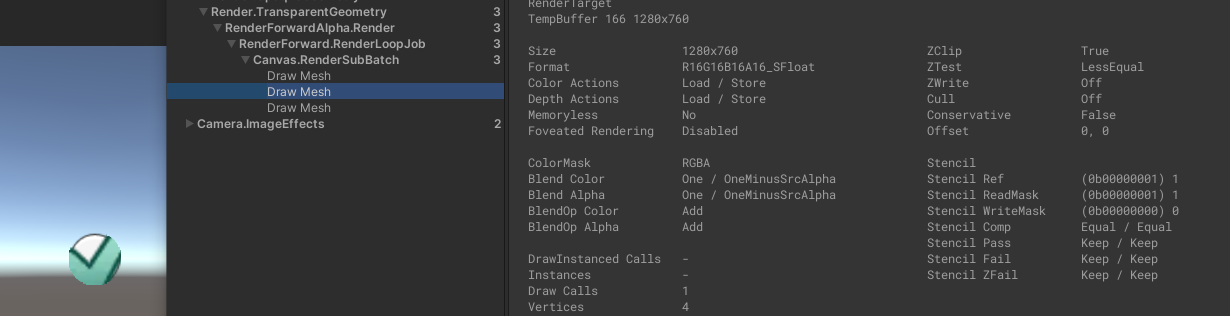
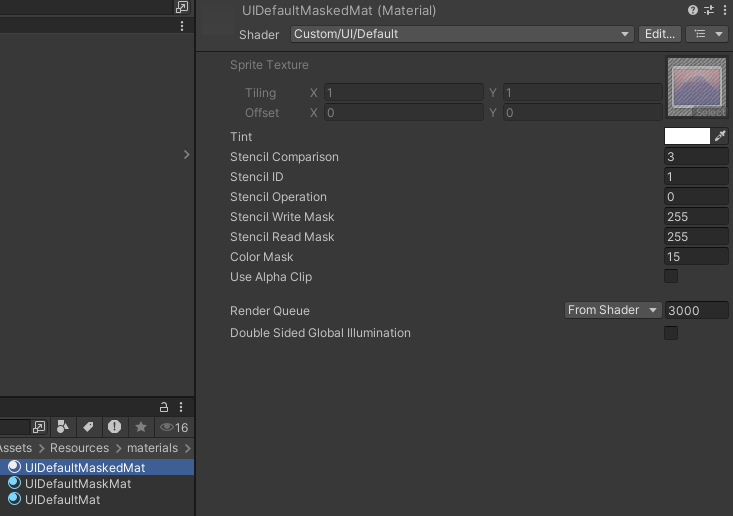
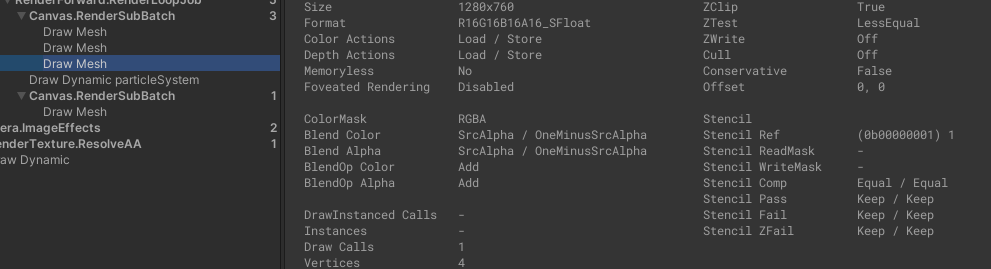
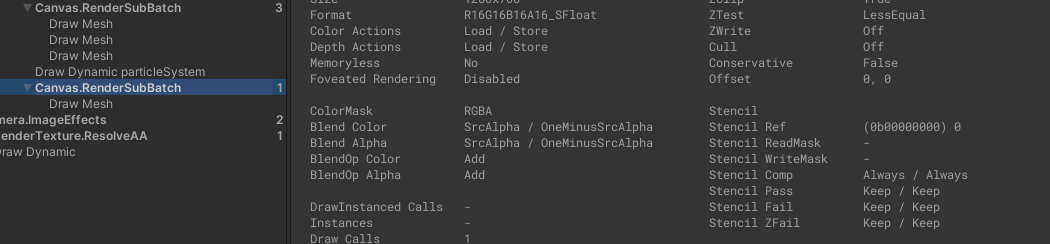
// if we have a enabled Mask component then it will // generate the mask material. This is an optimisation // it adds some coupling between components though :( Mask maskComponent = GetComponent<Mask>(); if (m_StencilValue > 0 && (maskComponent == null || !maskComponent.IsActive())) { var maskMat = StencilMaterial.Add(toUse, (1 << m_StencilValue) - 1, StencilOp.Keep, CompareFunction.Equal, ColorWriteMask.All, (1 << m_StencilValue) - 1, 0); StencilMaterial.Remove(m_MaskMaterial); m_MaskMaterial = maskMat; toUse = m_MaskMaterial; } return toUse; }
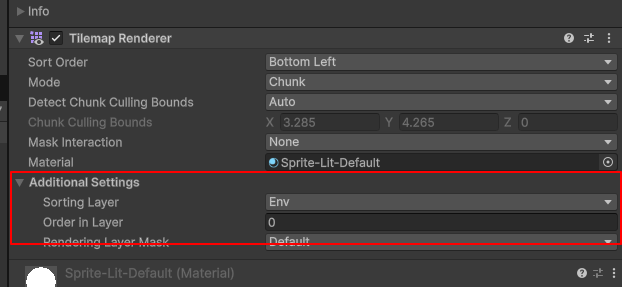
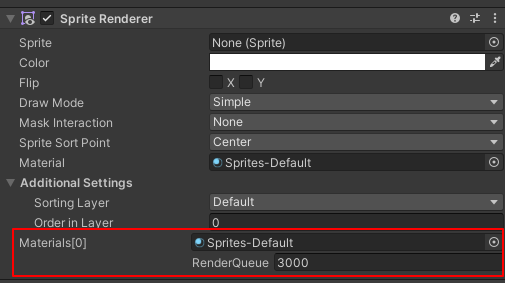
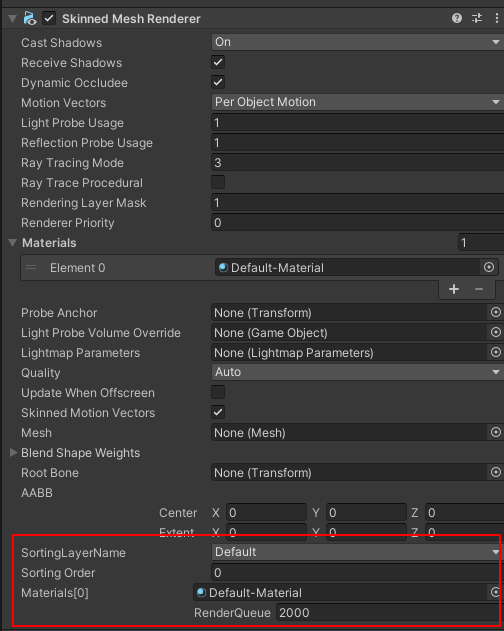
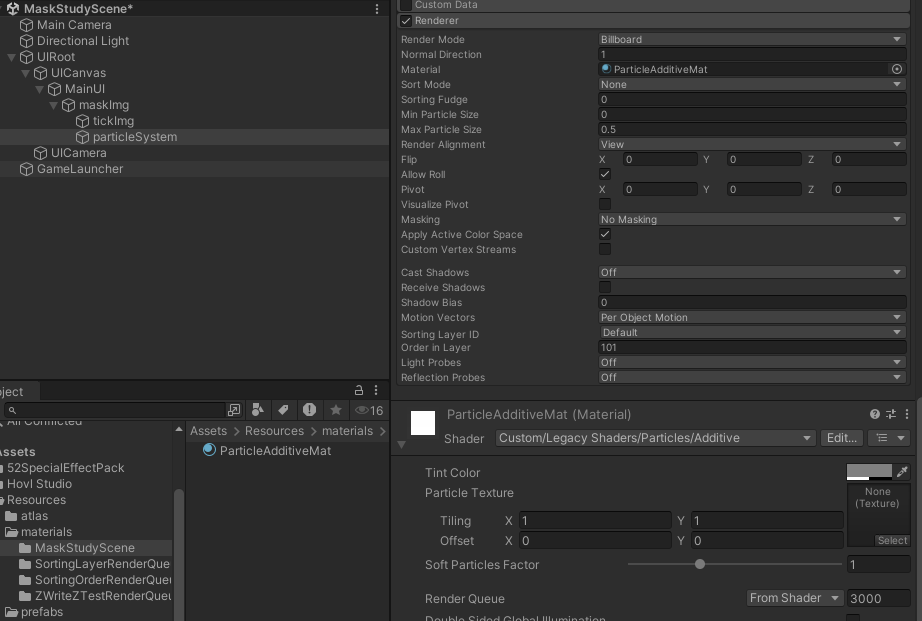
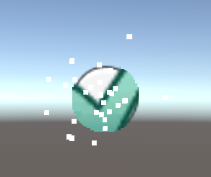
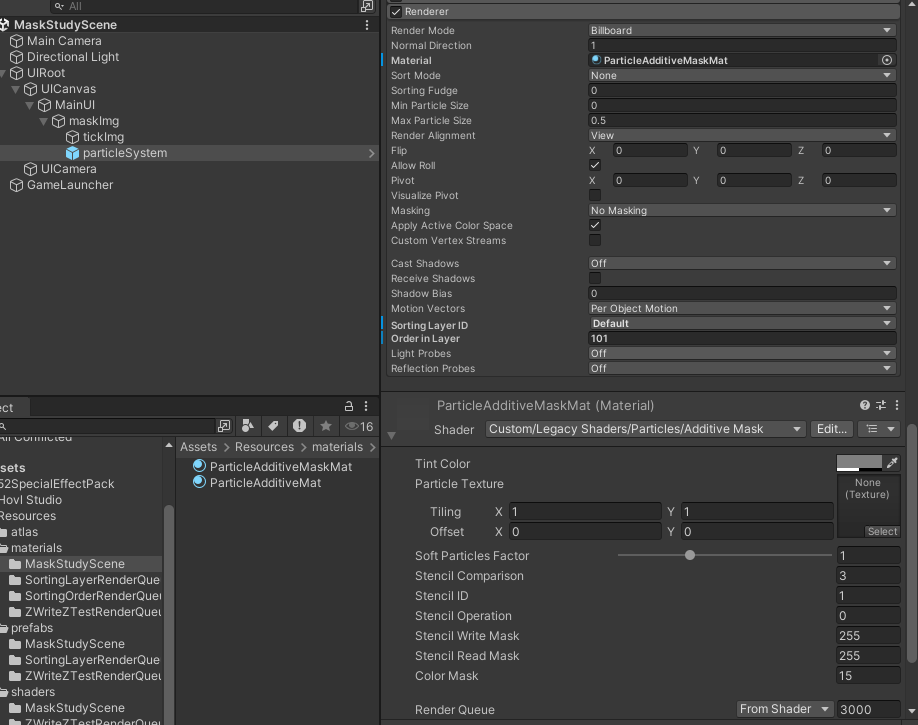
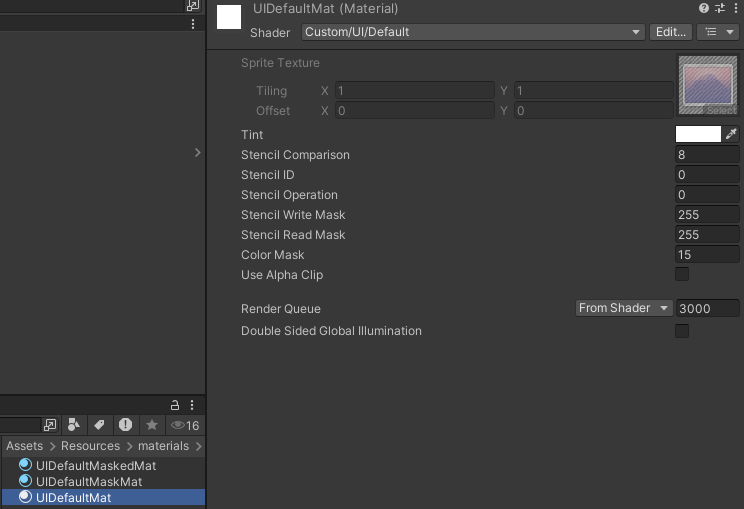
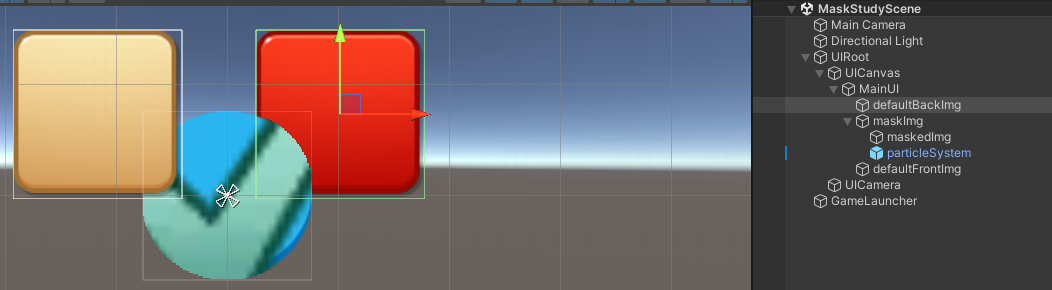
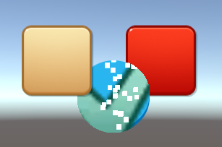
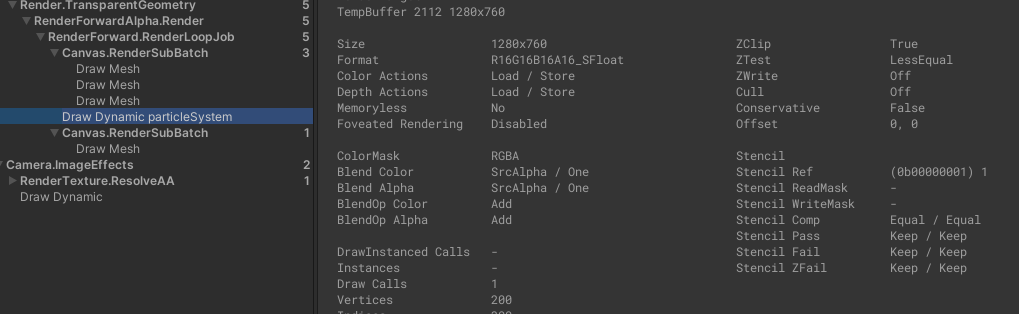
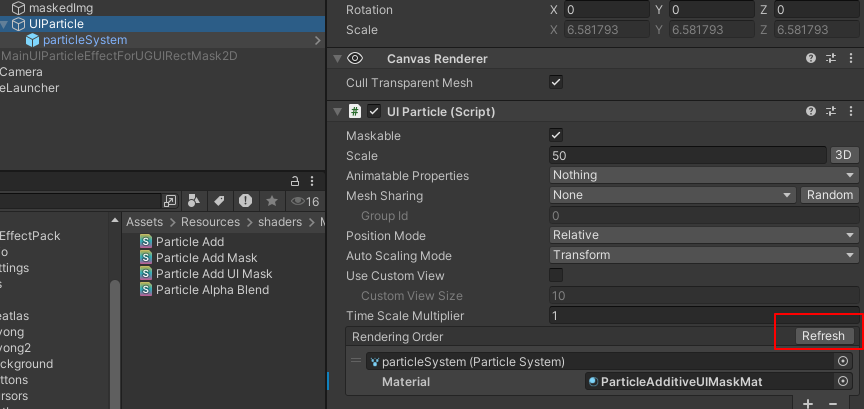
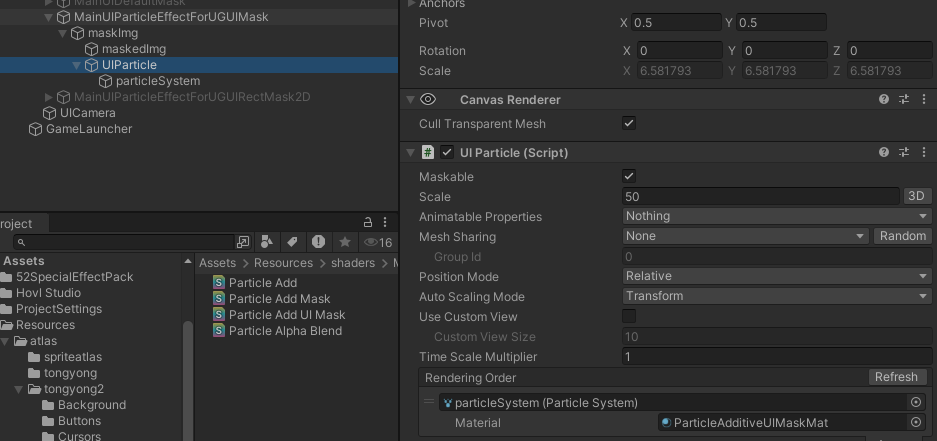
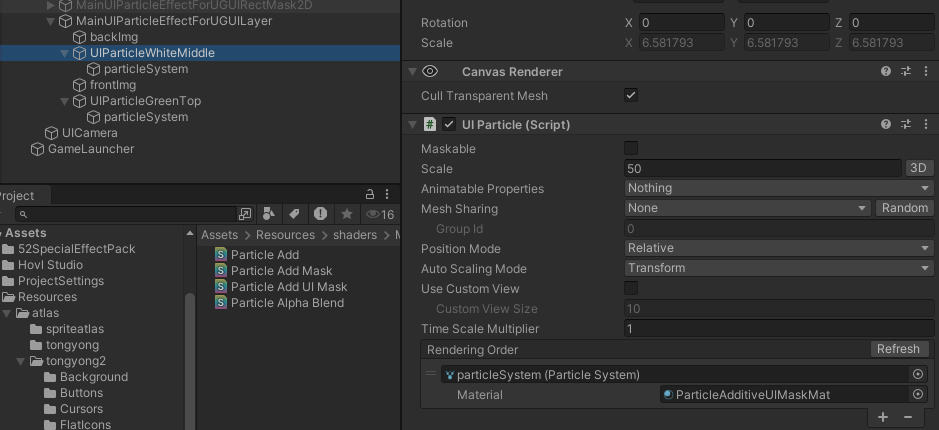
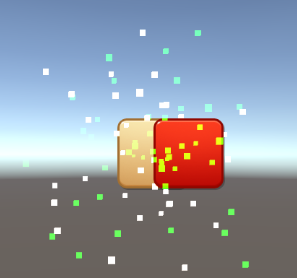
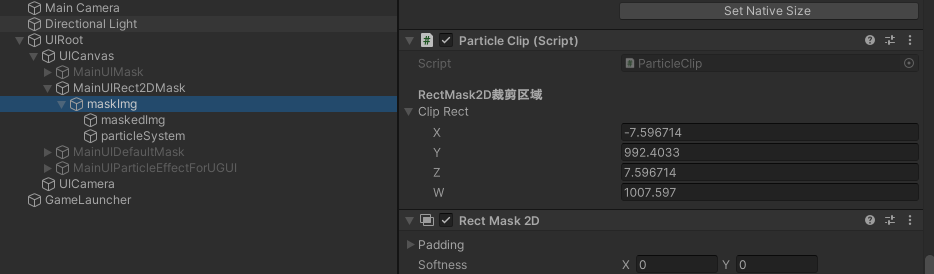
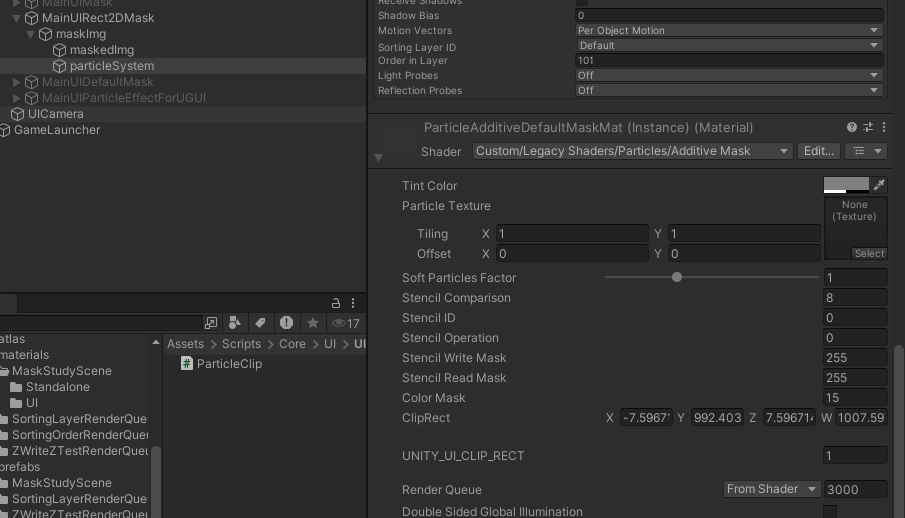
可以看到我将Unity自带的Particle Additive的Shader导入工程并创建了一个材质球使用到了粒子系统身上,同时为了确保粒子特效显示层级在UI上,还专门设置了Sorting Layer ID为Default,Order in Layer为101(因为MainUI节点上挂了Canvas且设置的Sorting Layer为Default,Order in Layer为100)。
Category { Tags { "Queue"="Transparent""IgnoreProjector"="True""RenderType"="Transparent""PreviewType"="Plane" } Blend SrcAlpha One ColorMask RGB Cull Off Lighting Off ZWrite Off
///<summary> /// See IMaterialModifier.GetModifiedMaterial ///</summary> publicvirtual Material GetModifiedMaterial(Material baseMaterial) { var toUse = baseMaterial;
if (m_ShouldRecalculateStencil) { var rootCanvas = MaskUtilities.FindRootSortOverrideCanvas(transform); m_StencilValue = maskable ? MaskUtilities.GetStencilDepth(transform, rootCanvas) : 0; m_ShouldRecalculateStencil = false; }
// if we have a enabled Mask component then it will // generate the mask material. This is an optimisation // it adds some coupling between components though :( Mask maskComponent = GetComponent<Mask>(); if (m_StencilValue > 0 && (maskComponent == null || !maskComponent.IsActive())) { var maskMat = StencilMaterial.Add(toUse, (1 << m_StencilValue) - 1, StencilOp.Keep, CompareFunction.Equal, ColorWriteMask.All, (1 << m_StencilValue) - 1, 0); StencilMaterial.Remove(m_MaskMaterial); m_MaskMaterial = maskMat; toUse = m_MaskMaterial; } return toUse; }
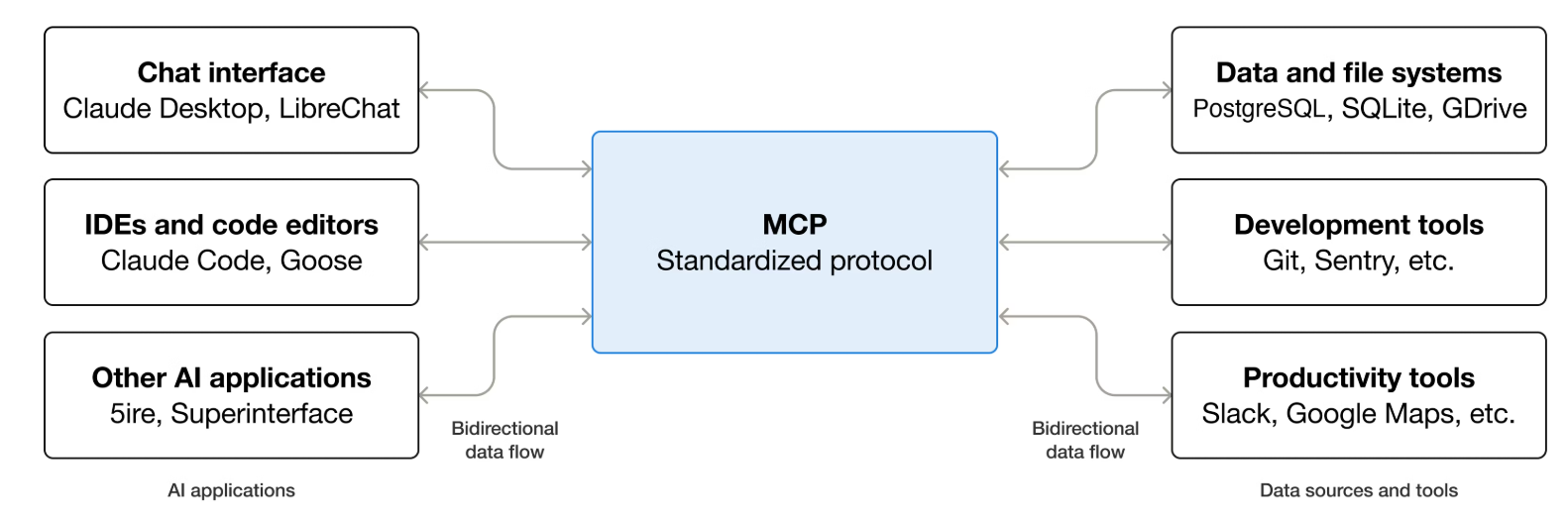
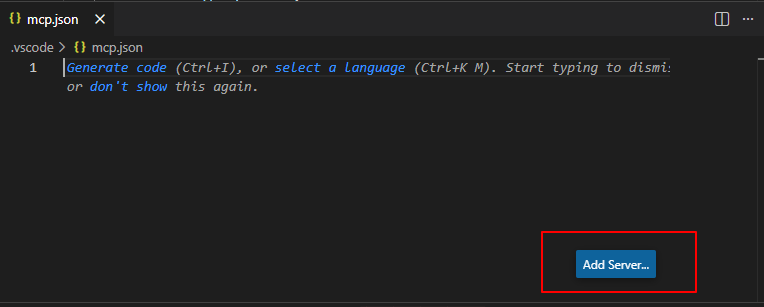
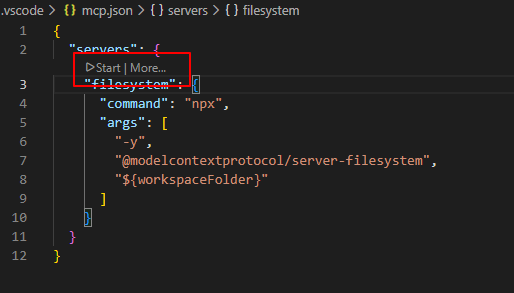
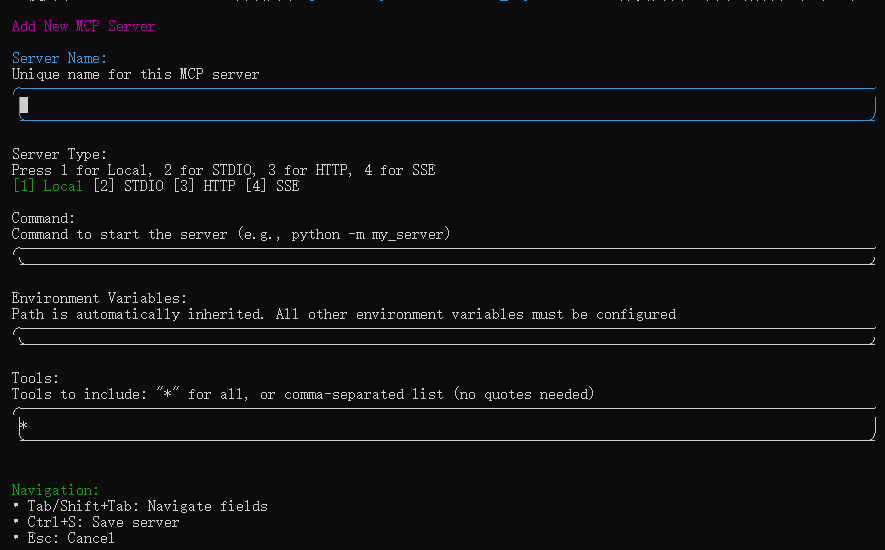
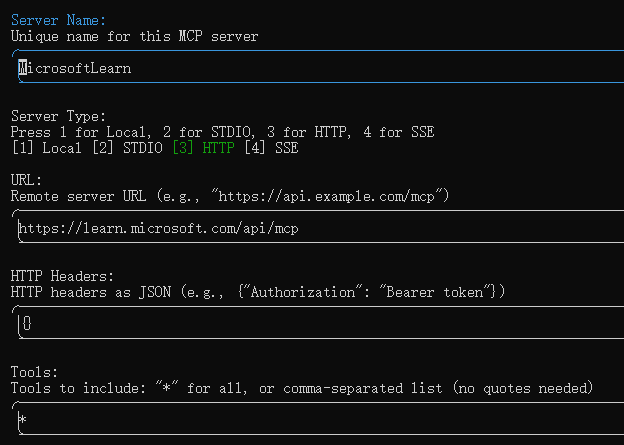
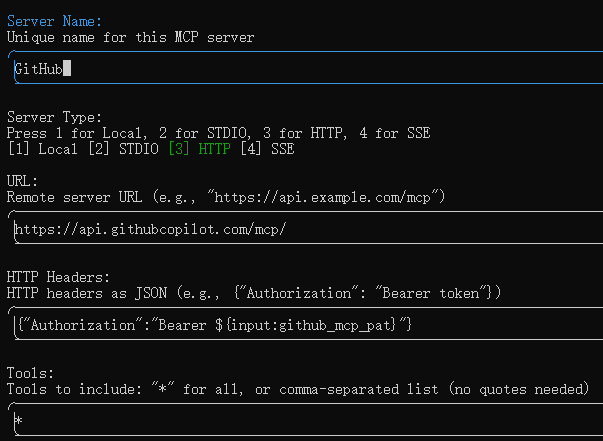
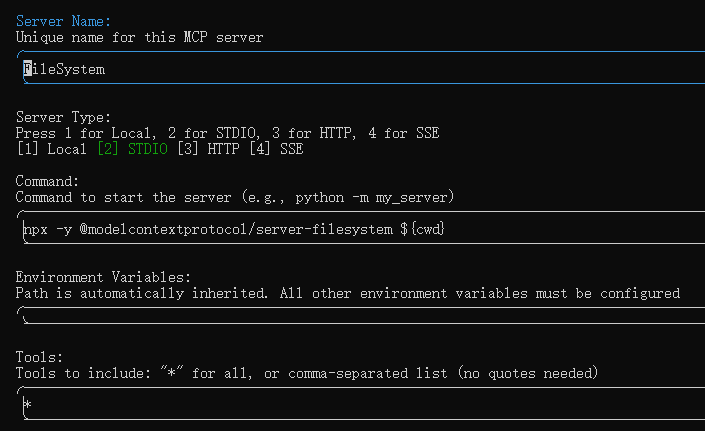
Server Type – MCP Server连接类型(stdio(Standard I/O)多用于本地MCP Server。http(Hypertext Transfer Protocol)多用于网络远程MCP Server。sse(Server-Send Events)http不支持时的一种fallback方案)